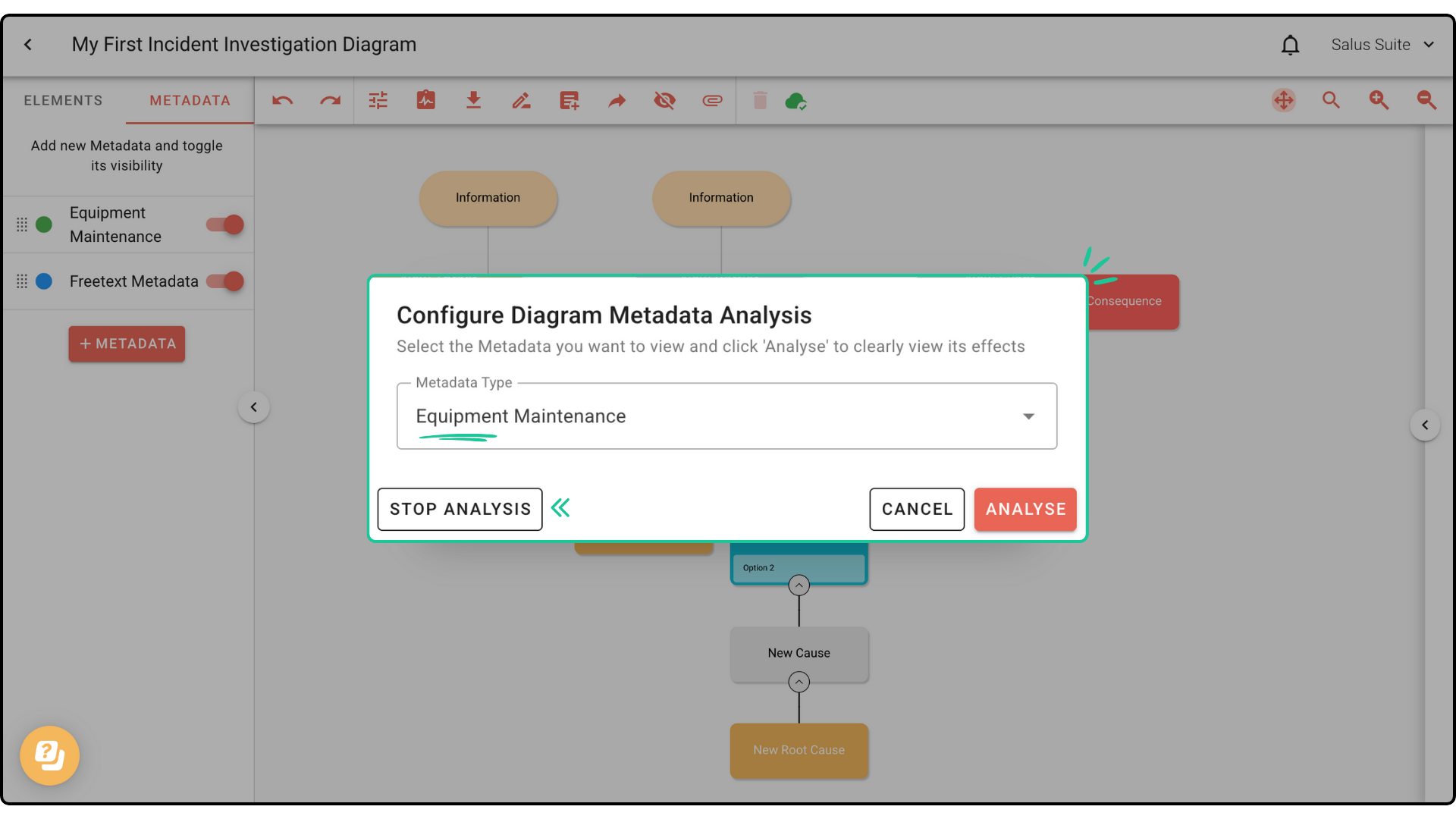
Use analyse mode
Analyse mode helps you identify potential weak spots in your operation by visualising barriers through a selected metadata type. For example, you can colour-code barriers by Barrier Condition to quickly spot weak barriers in a large, complex diagram, then take action to improve them.
Before using analyse mode, add metadata to your barriers. Not sure where to start? See Diagram metadata.
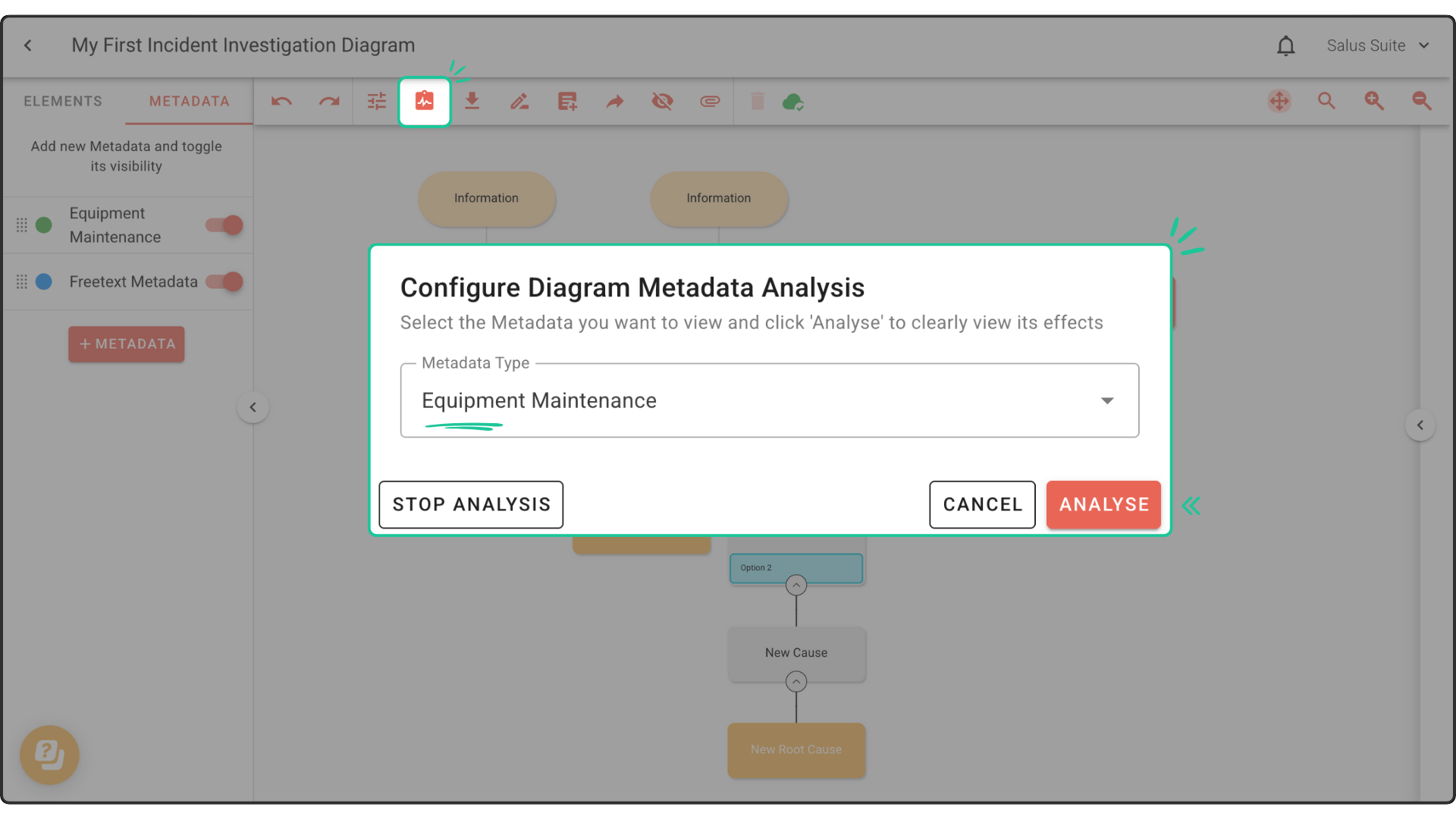
Step 1: In the Diagram Editor toolbar, click the clipboard icon.
Step 2: Select the Metadata Type you want to analyse from the dropdown, then click ANALYSE.
Your diagram now looks like this:
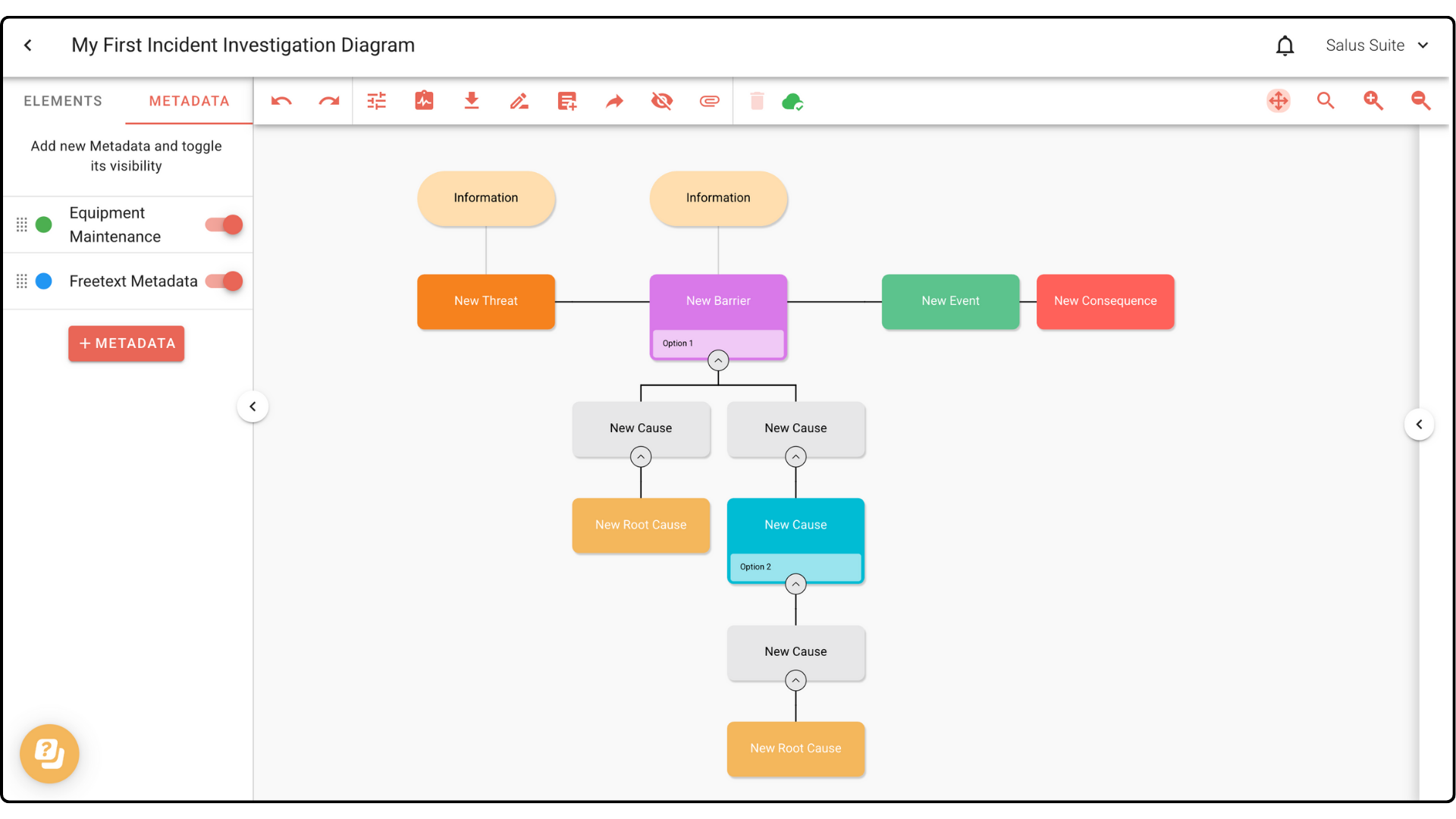
Step 3: To stop, click the toolbar clipboard icon again, then click STOP ANALYSIS.