Attach documents
Attaching supporting documents - photos, PDF, Word and Excel files - can strengthen your root cause analysis.
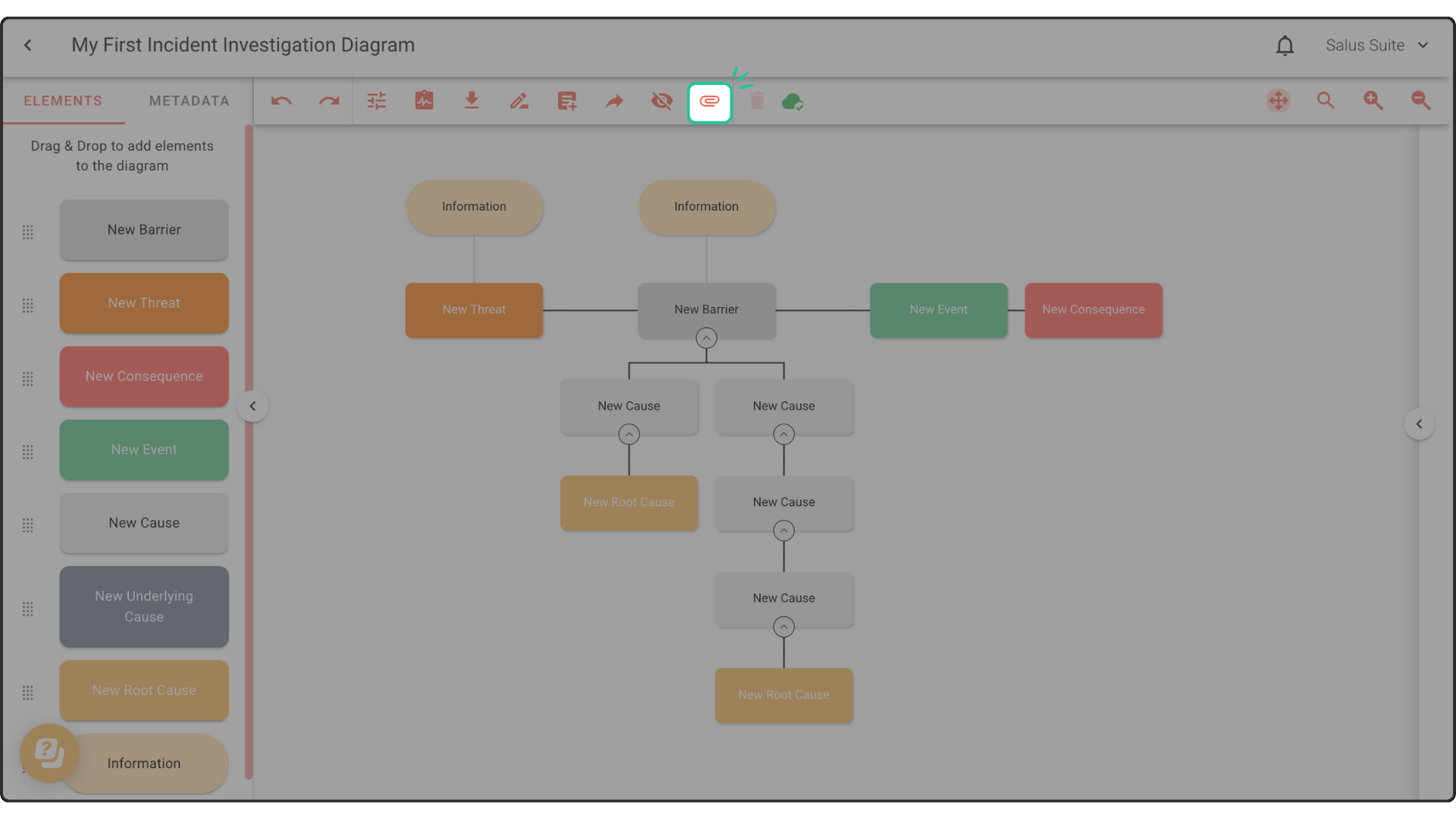
Step 1: In the Diagram Editor, click the paperclip icon.
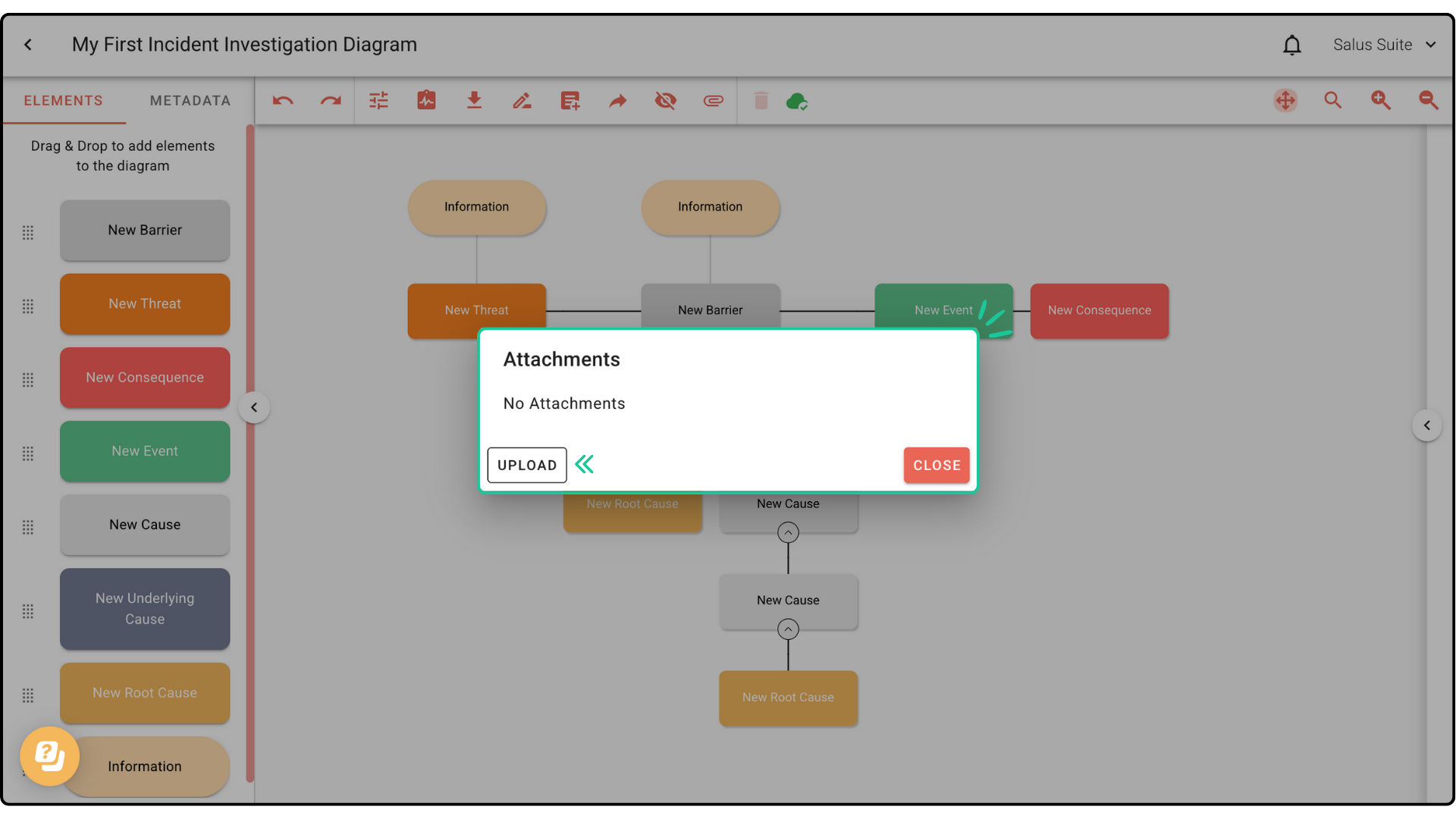
Step 2: In the Attachments pop-up, click UPLOAD.
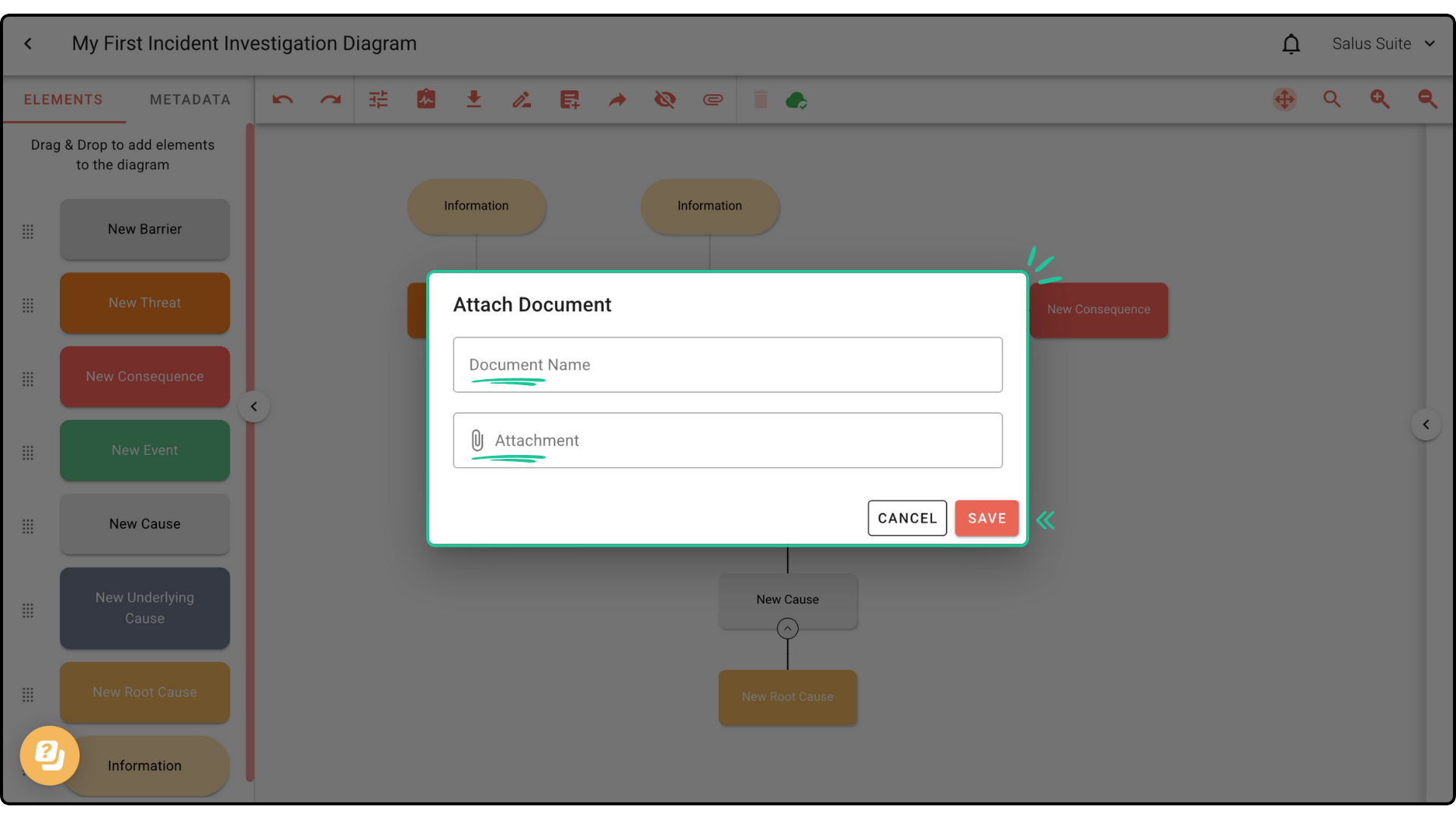
Step 3: Enter a name for the document, attach a file, then click SAVE.
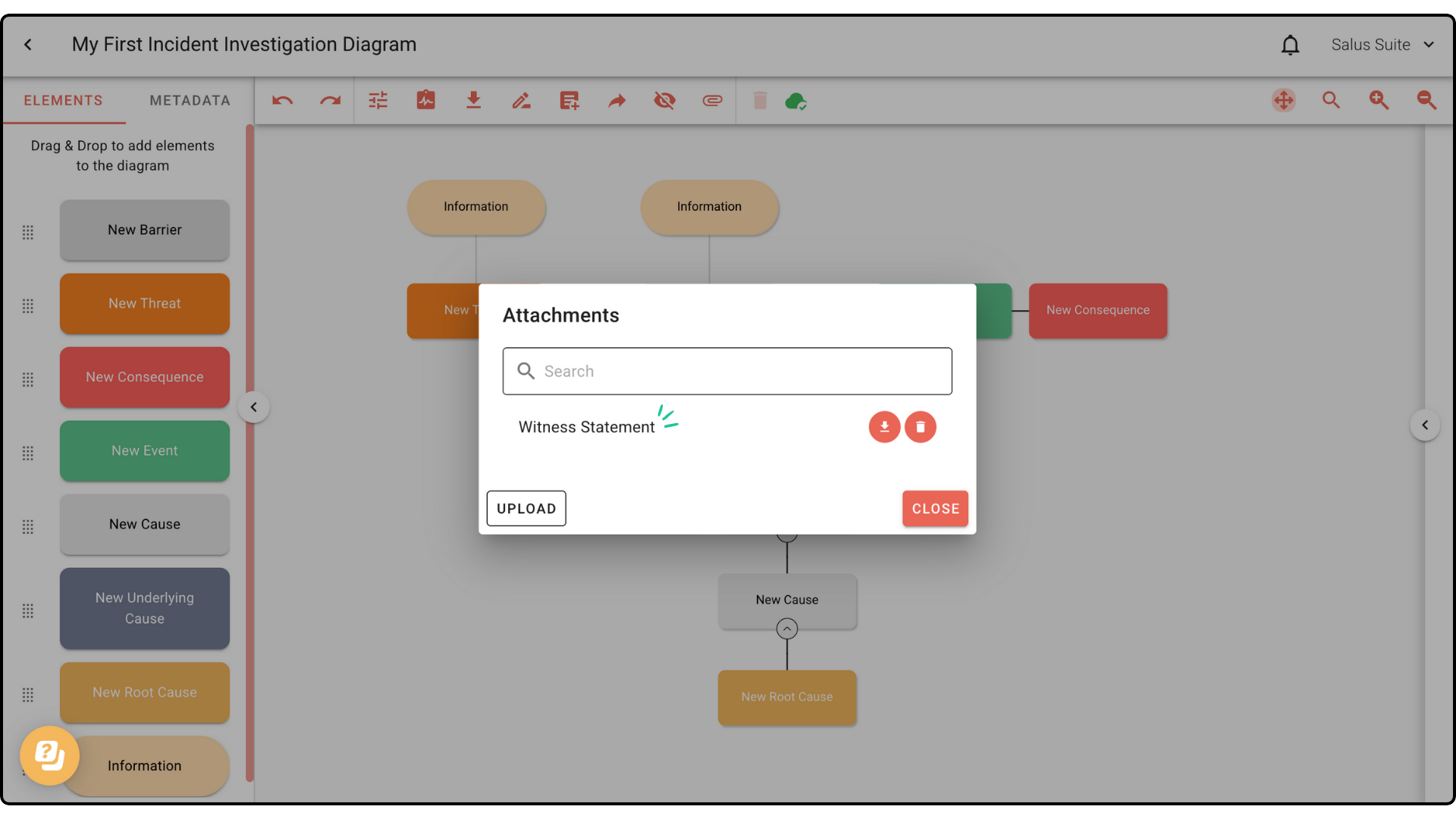
Your attachment appears in the Attachments pop-up. Attachments can be re-downloaded by others or deleted using the icons in the pop-up.