Generate an incident investigation diagram
Transform your bowtie diagram into an incident investigation diagram with a single click.
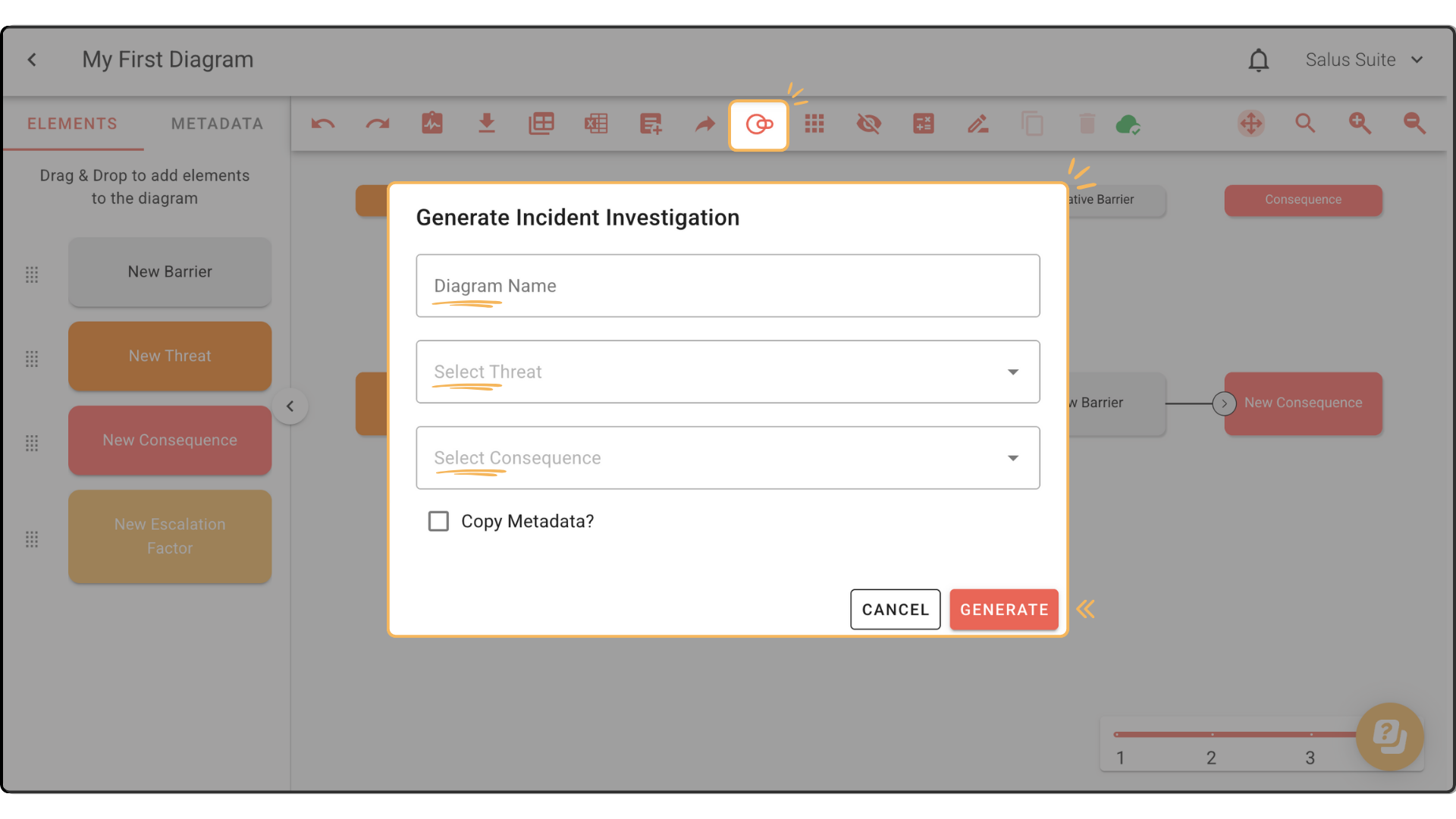
Step 1: Click the Incident Insight icon in the toolbar (the two intersecting ellipses).
Step 2: Enter a Diagram Name, select a threat and a consequence, then click GENERATE. A new window opens with your incident investigation diagram.