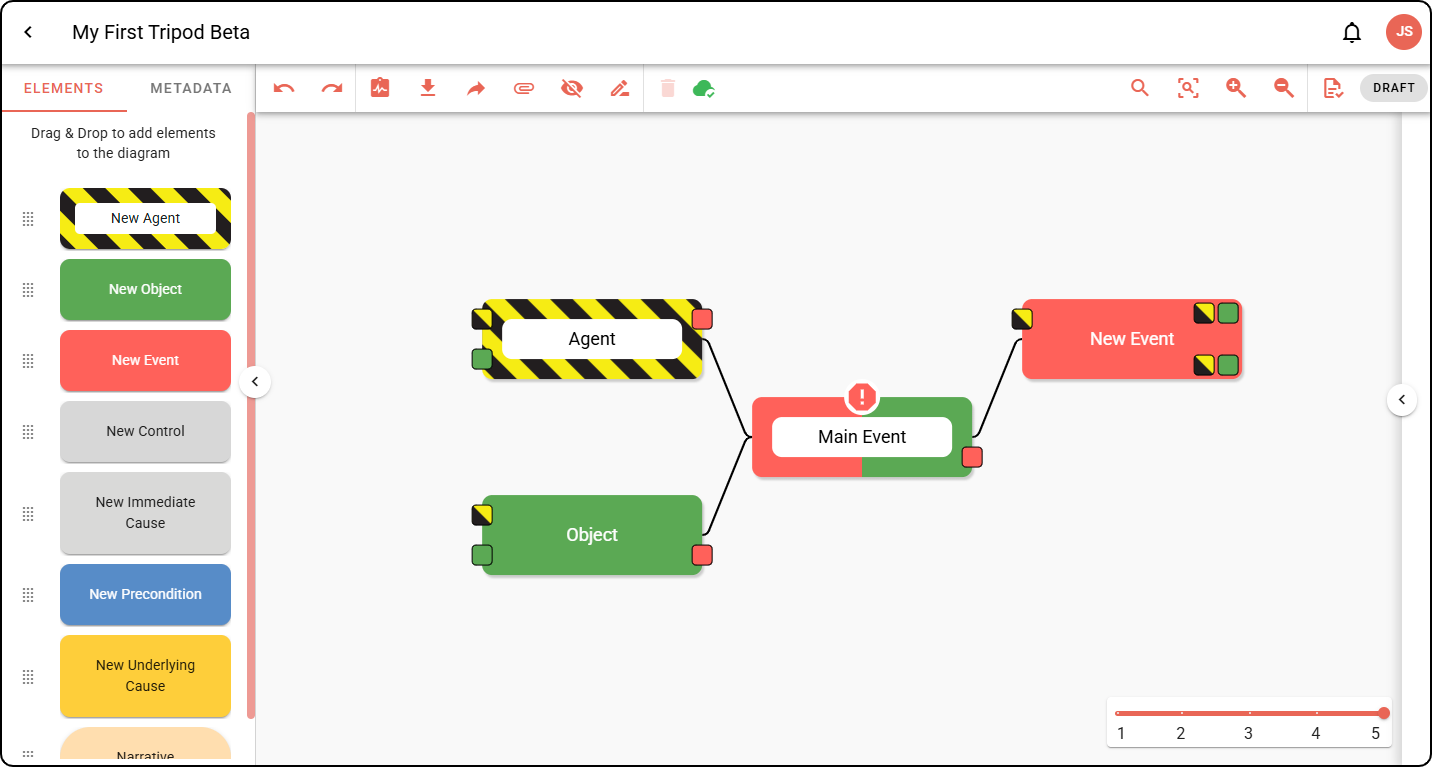
Using Quick Add
In this tutorial, we’ll show you an alternative to drag-and-drop when building your Tripod diagram.
Quick Add can be used via the small buttons on your diagram elements:
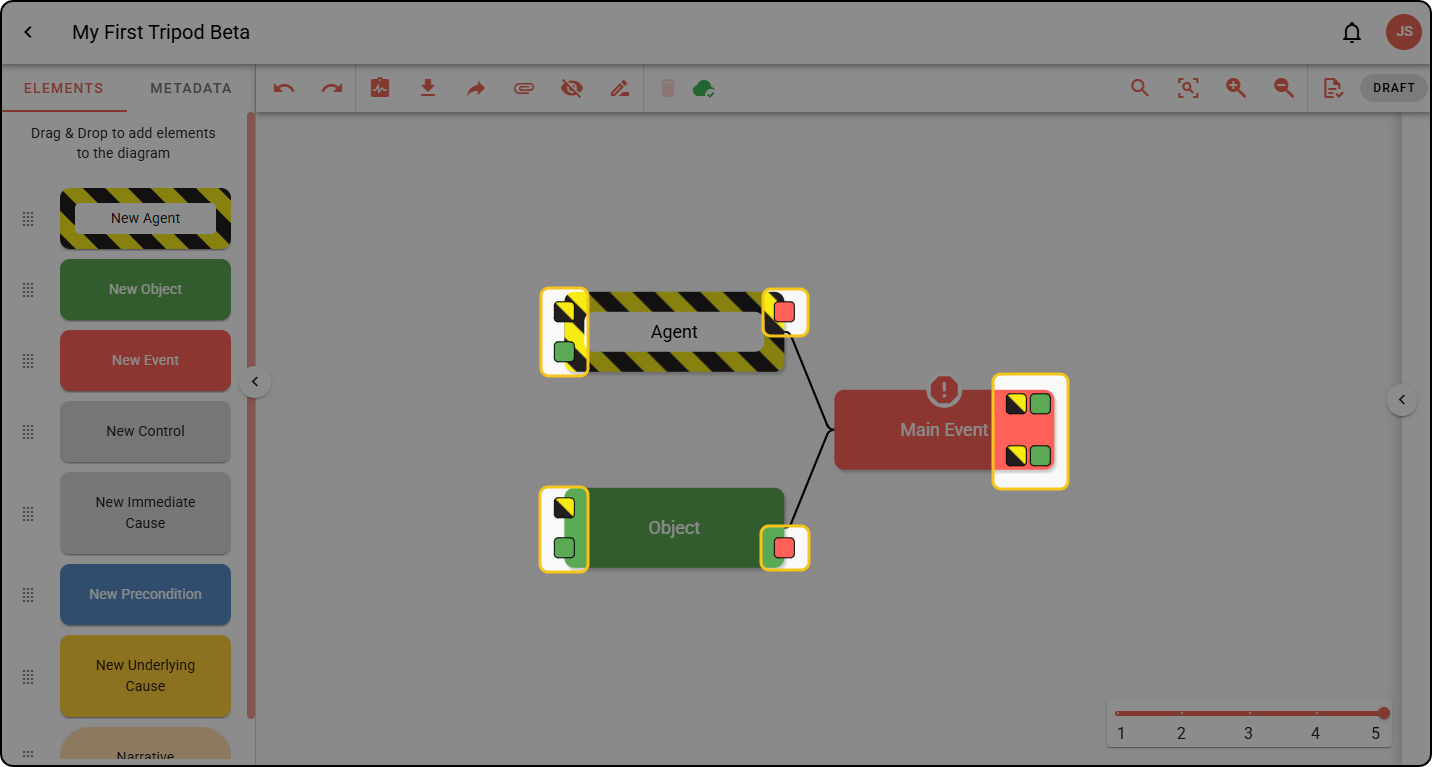
Using Quick Add
Step 1: Click the Quick Add button you want to use. In this example, we’ll add another Agent to the existing Agent.
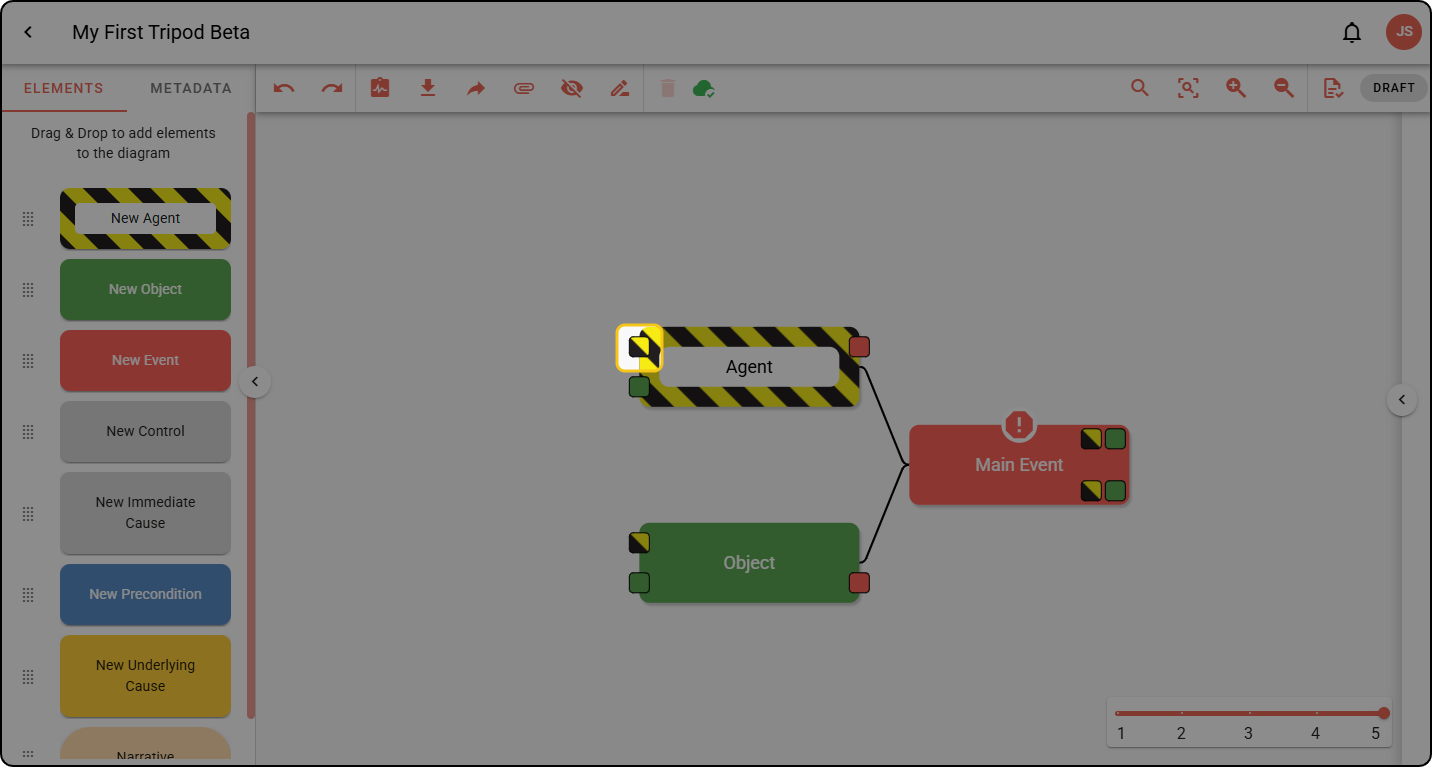
The newly-added element will appear in the diagram:
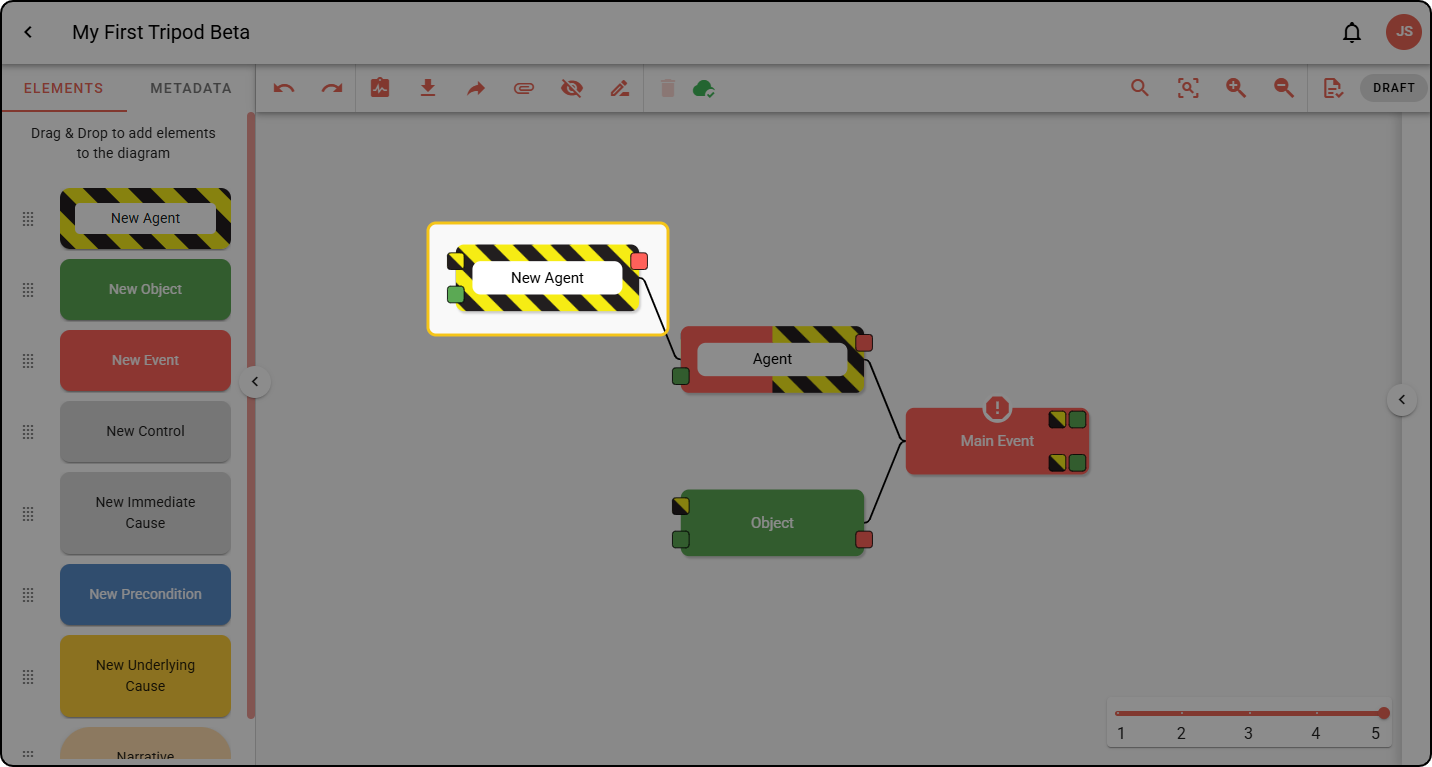
Using Quick Add on Events
Events have four different Quick Add buttons:
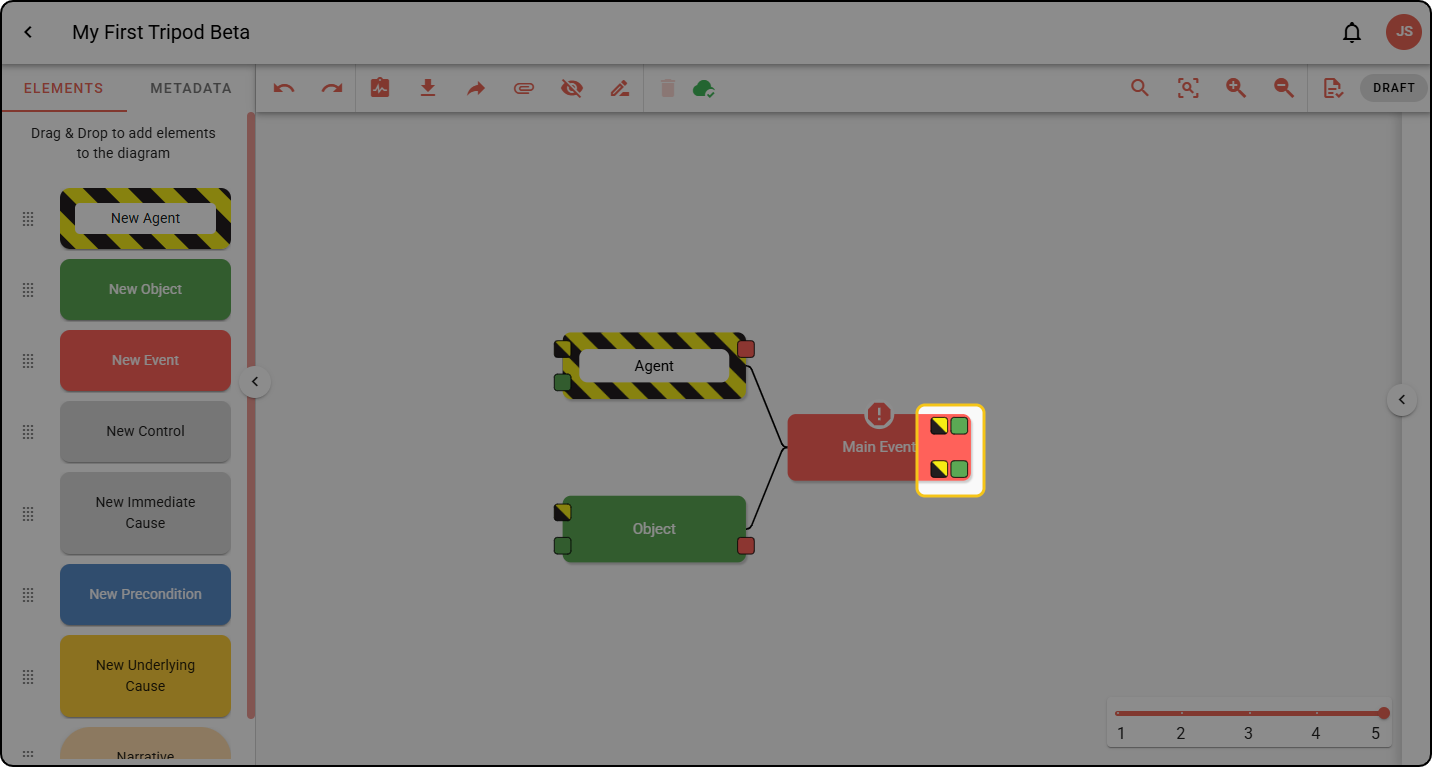
Unlike with other elements, the buttons indicate what type of element the Event will become.
- Clicking the yellow and black button will convert the Event to an Event Agent and add a new Event to the top- or bottom-right of the Event:
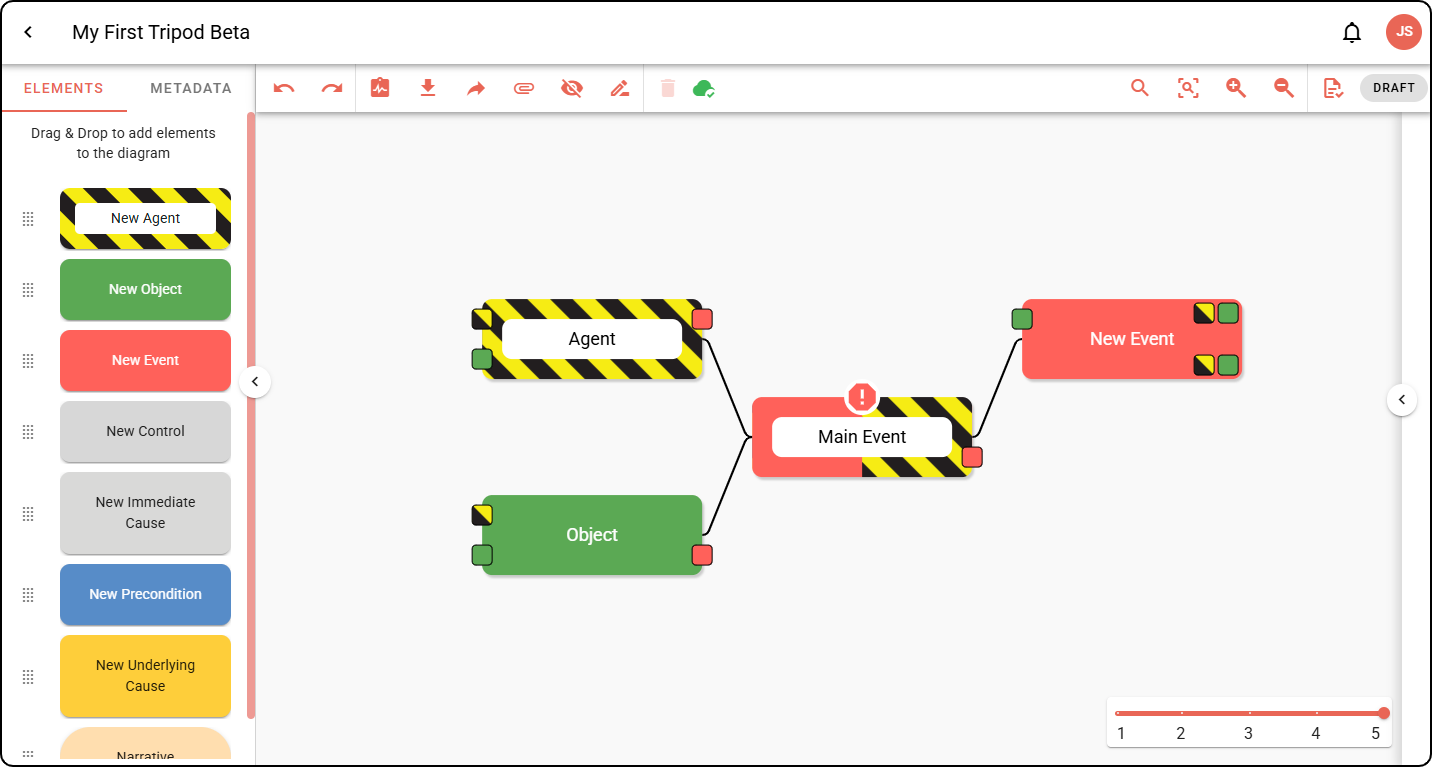
- Clicking the green button will convert the Event to an Event Object and add a new Event at the top- or bottom-right of the Event: