Share a diagram
Tripod Beta makes it easy to share your analysis across your organisation.
Share as a live link
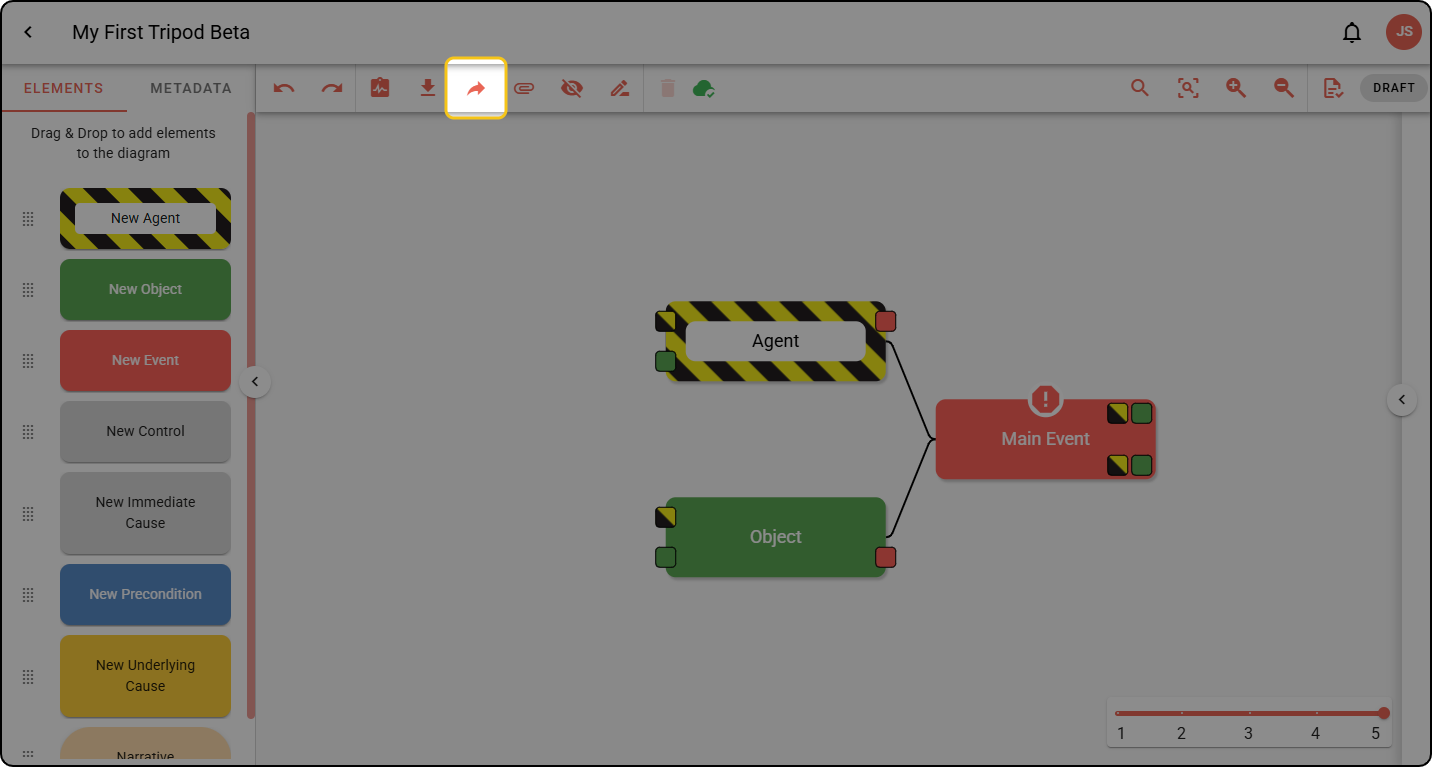
Step 1: Click the Share arrow in the Diagram Editor toolbar.
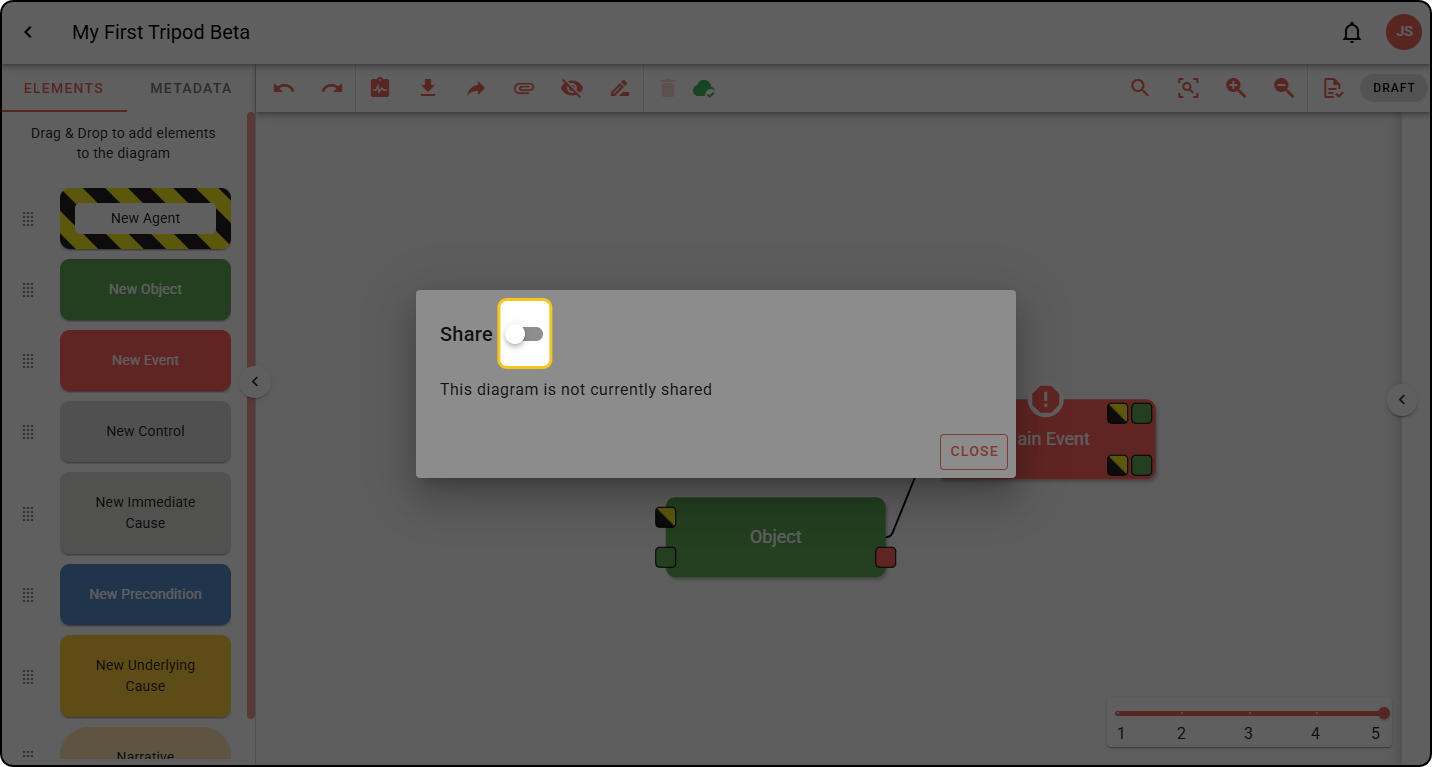
Step 2: Toggle Share on.
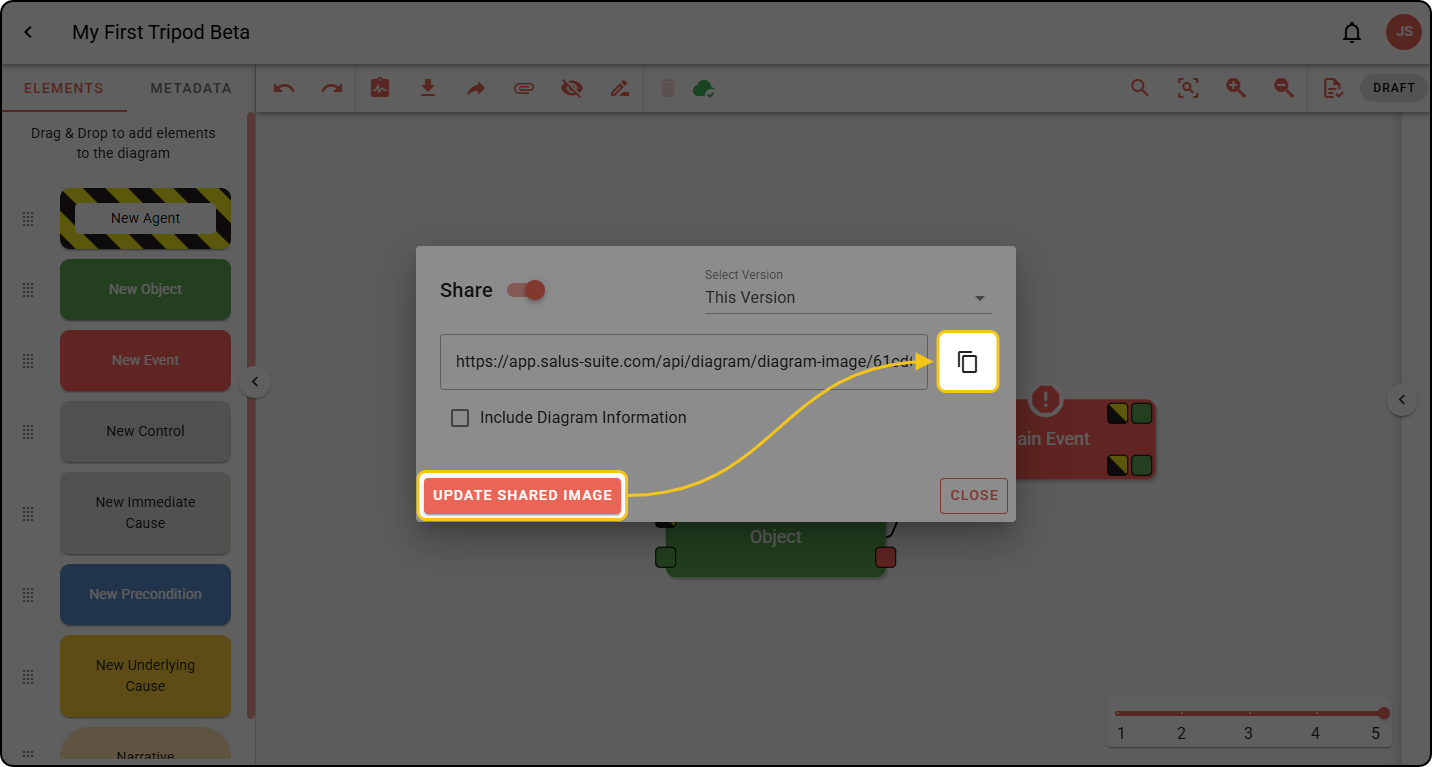
Step 3: Click UPDATE SHARED IMAGE, then click the copy link icon.
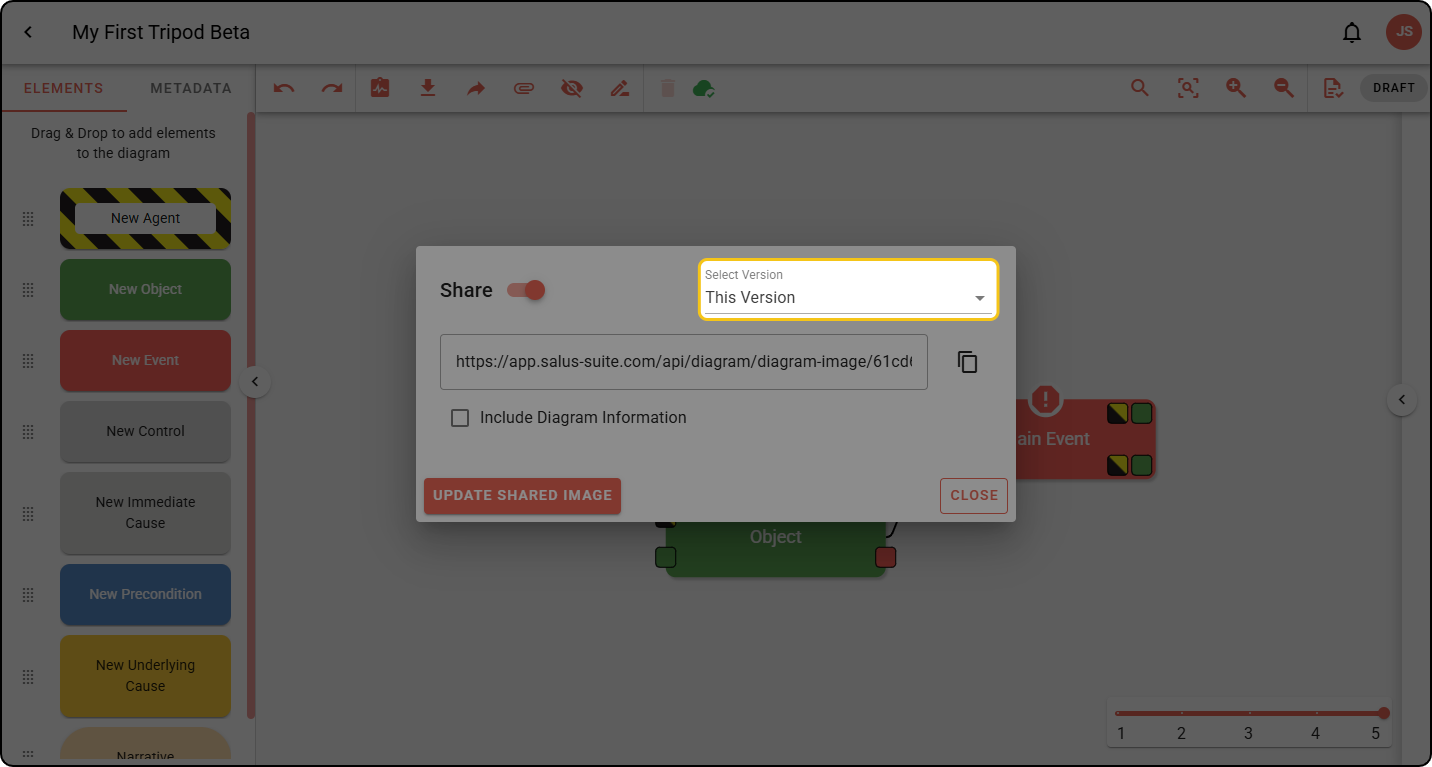
If your diagram has multiple versions, use the Select Version dropdown to choose a version to share, then click the copy icon.
The share link is not automatically updated when you make changes to your diagram; to update it, open the Share dialog again and click UPDATE SHARED IMAGE.