Save an incident investigation diagram as a template
Save a diagram as a template so other Incident Insight users in your organisation can use it as a starting point.
Step 1: In the Diagram Editor toolbar, click the textbox icon.
Step 2: Enter a name and click CREATE. To make it the default template, tick MASTER.
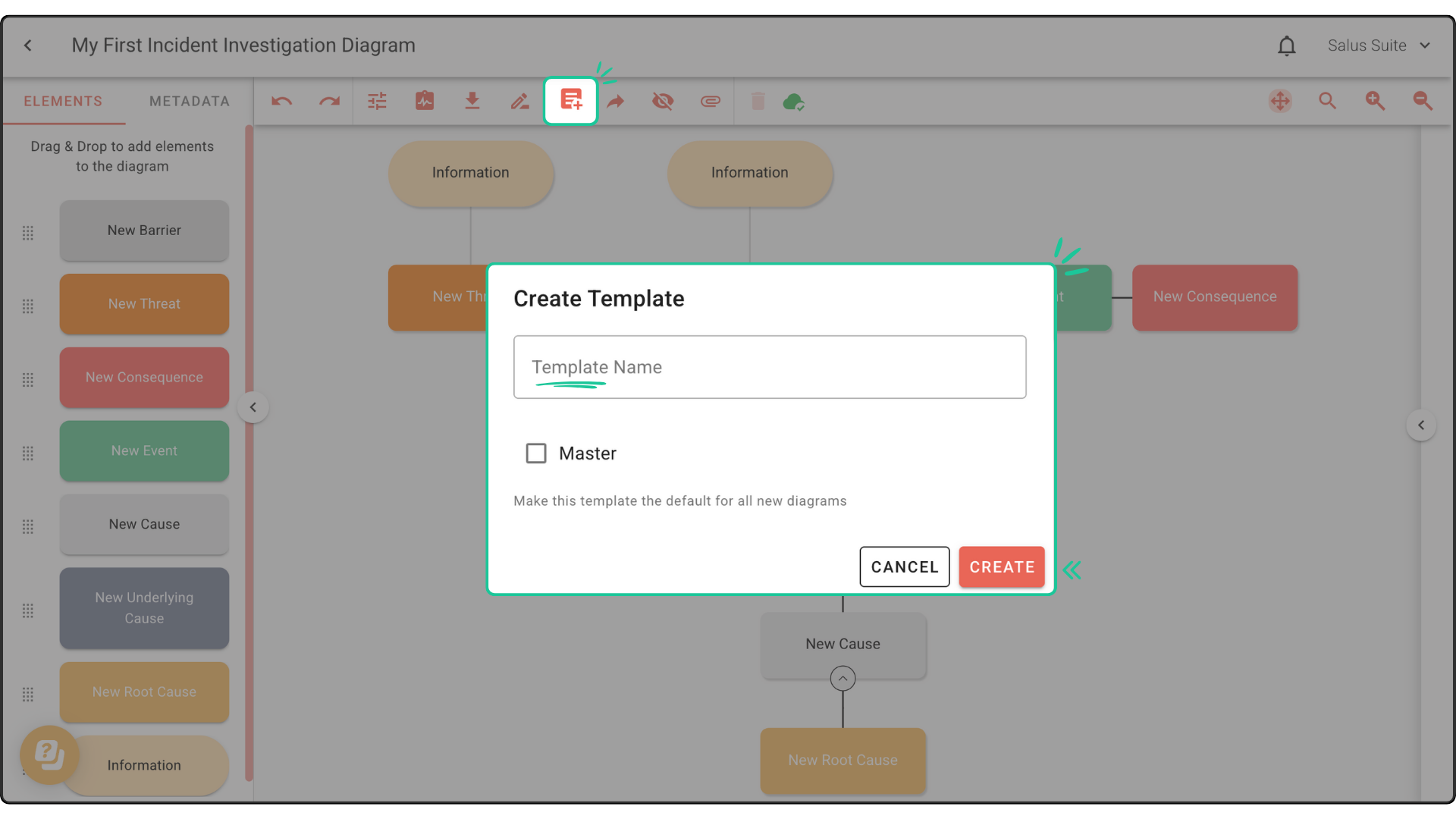
Once created, the template is available to other users with access to your organisation’s Incident Insight account. Learn how to add a new user.
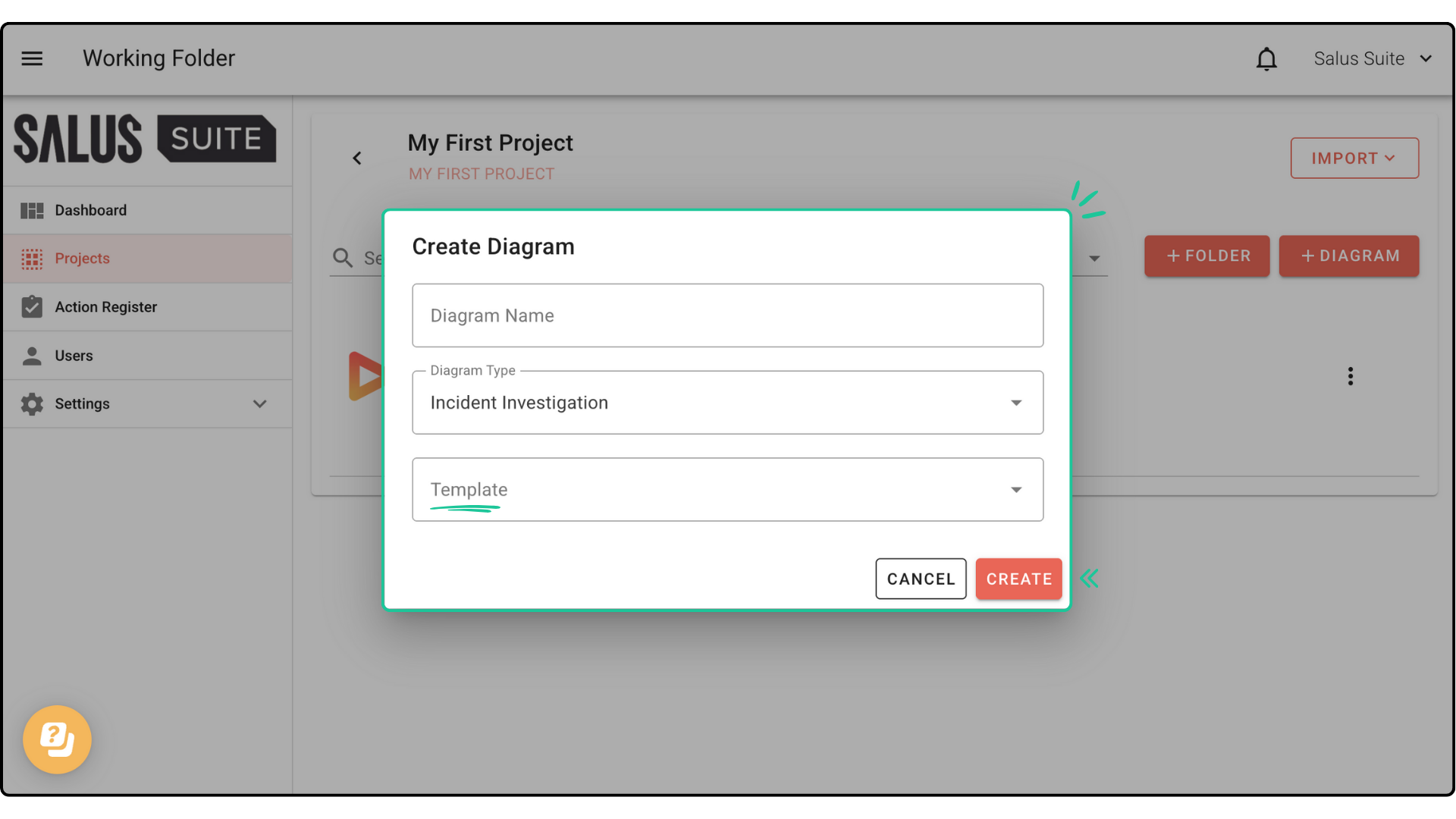
Step 3: To use the template, go to the Projects menu, click + NEW DIAGRAM, enter a name, select your template in the Template dropdown and click CREATE.