Organisation library
In this tutorial, we’ll show you how to create elements in your organisation’s Element Library.
Organisation-level elements are visible across all projects and diagrams.
Only Organisation Admins can use the organisation’s Element Library. Diagram Editors can use the project library.
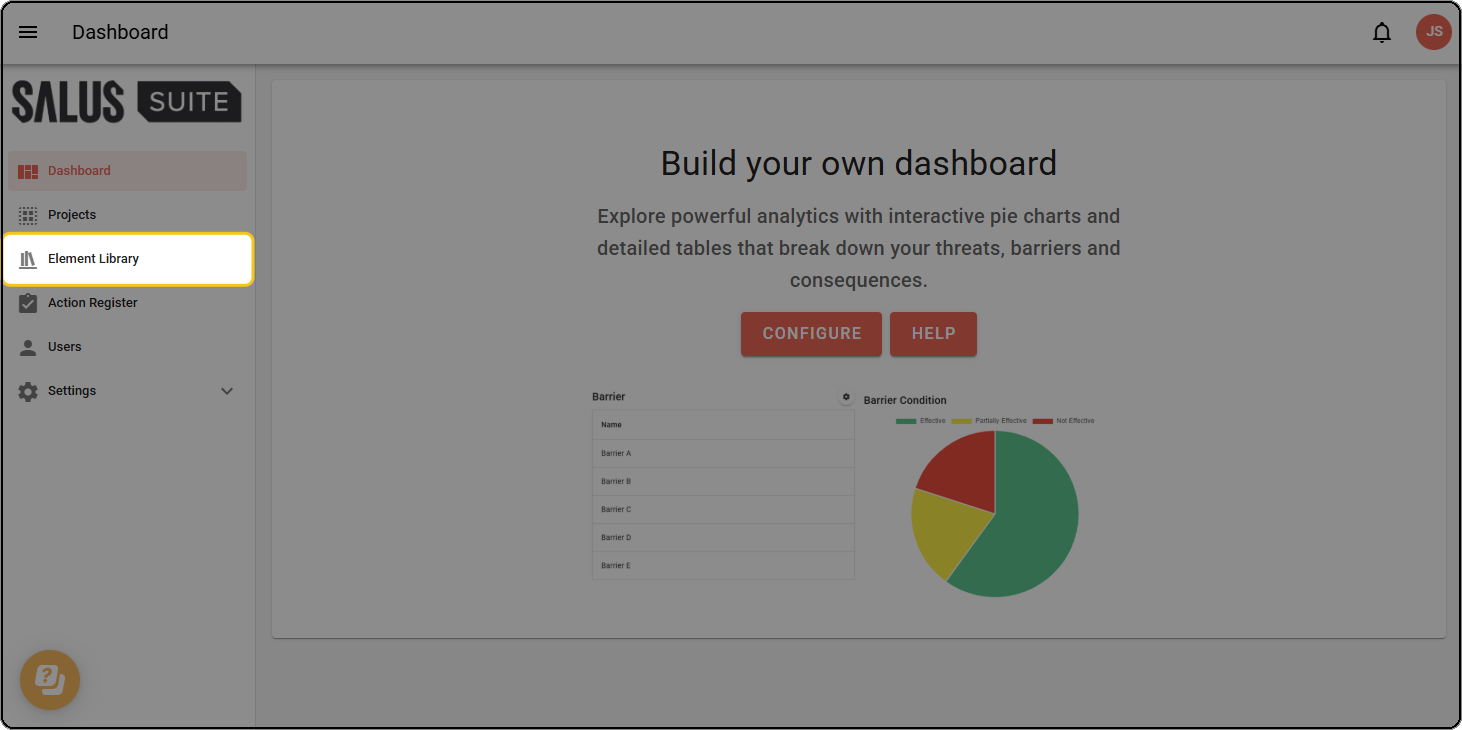
Step 1: Click Element Library in the sidebar.
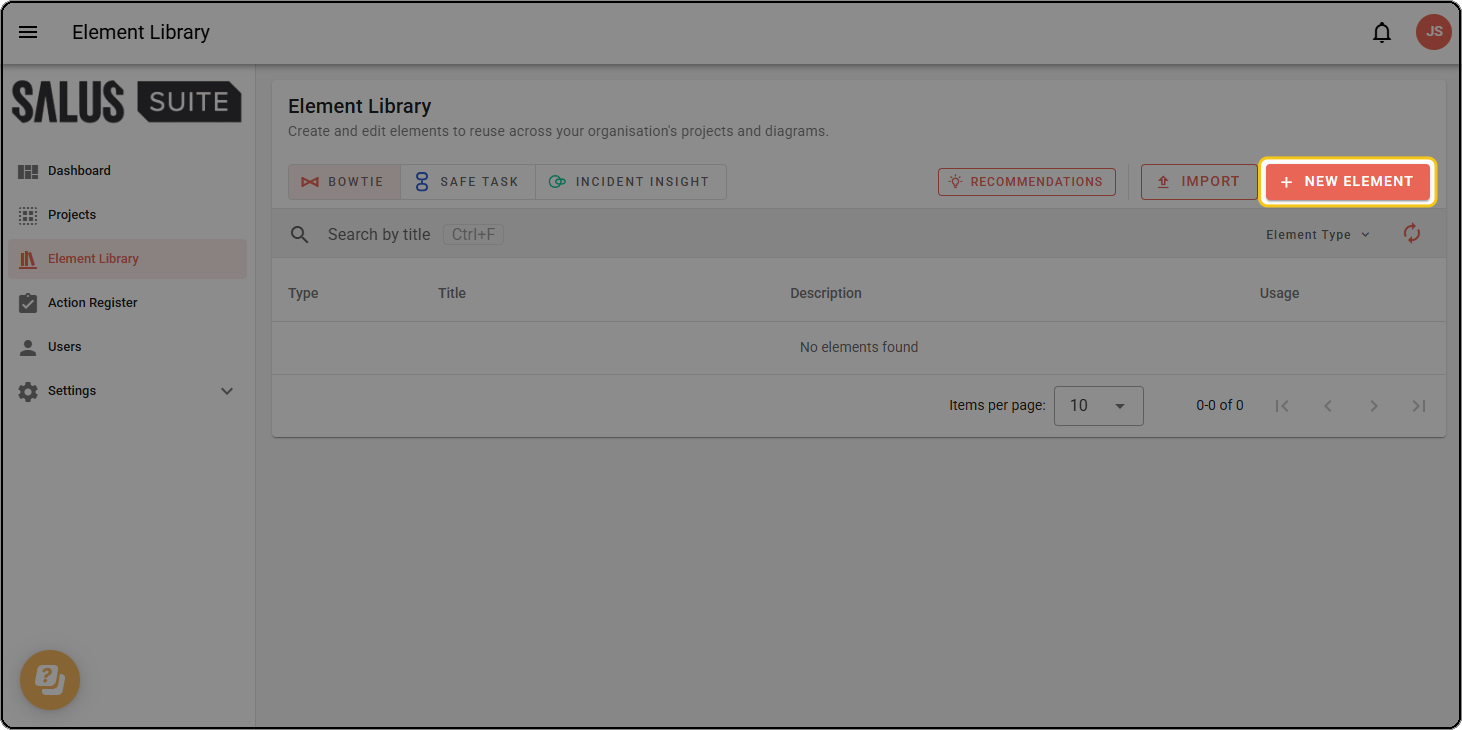
Step 2: Click + NEW ELEMENT.
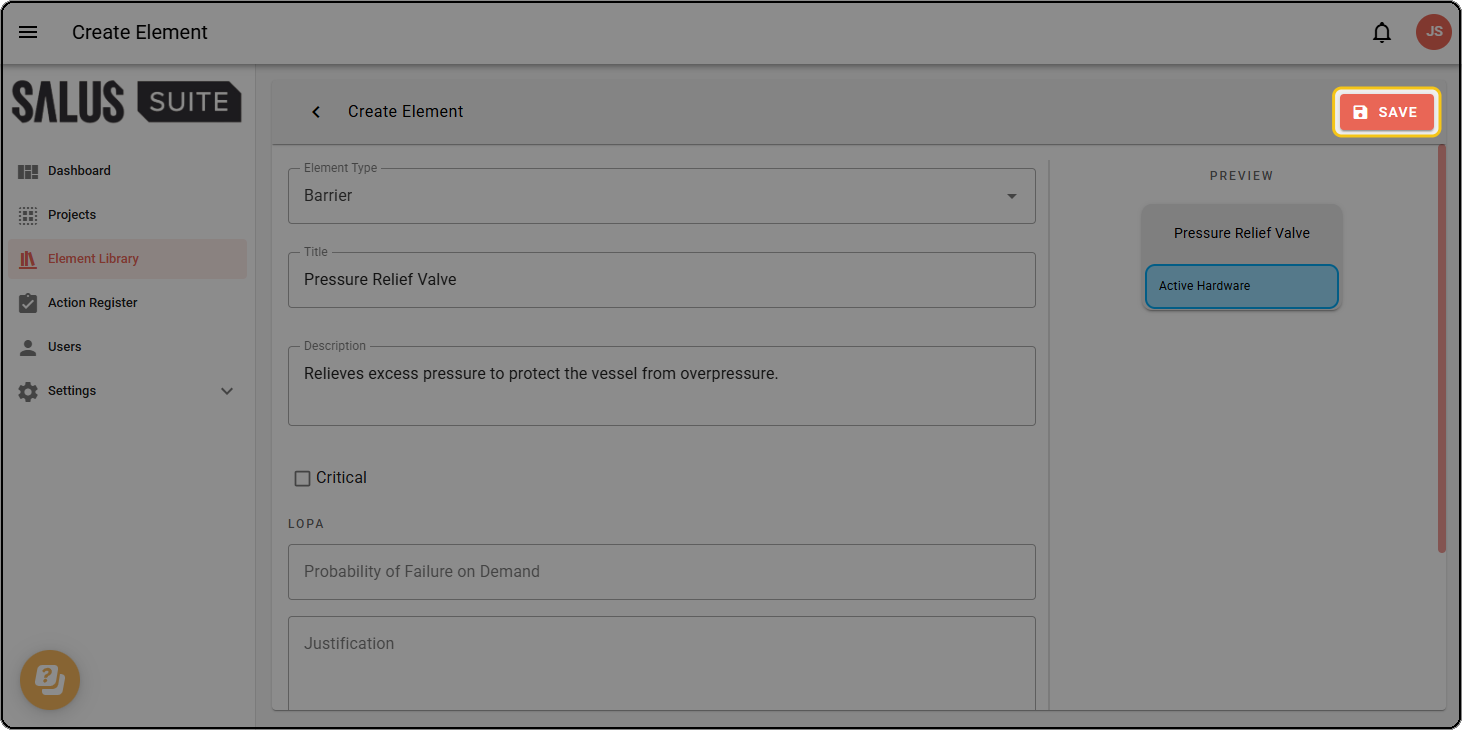
Step 3: Fill out the fields as needed, including any metadata.
Only organisation-level metadata can be applied to organisation-level elements.
Step 4: Click SAVE.