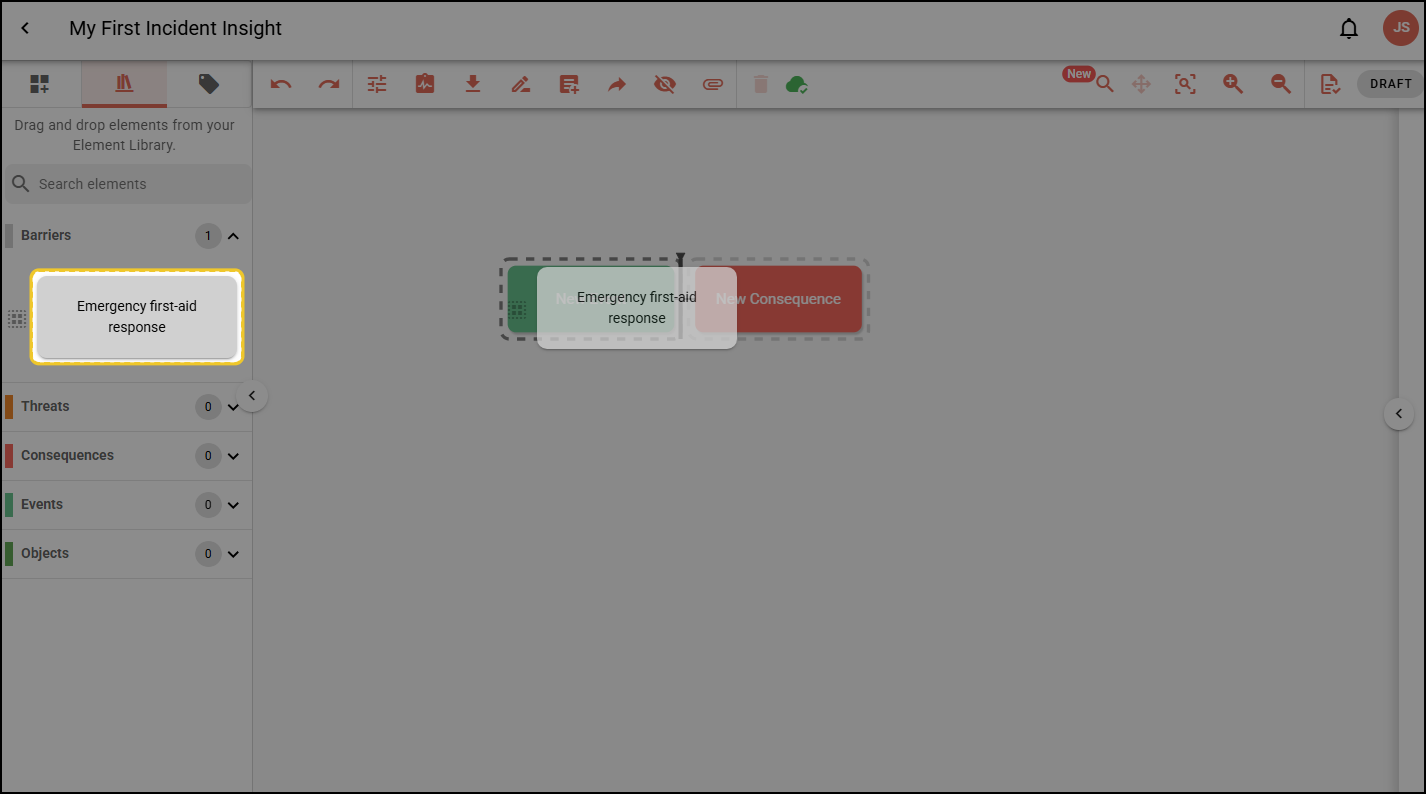
Adding Element Library elements to Incident Insight diagrams
The Incident Insight Element Library cannot include causes, information or Objects.
Step 1: Open an Incident Insight diagram.
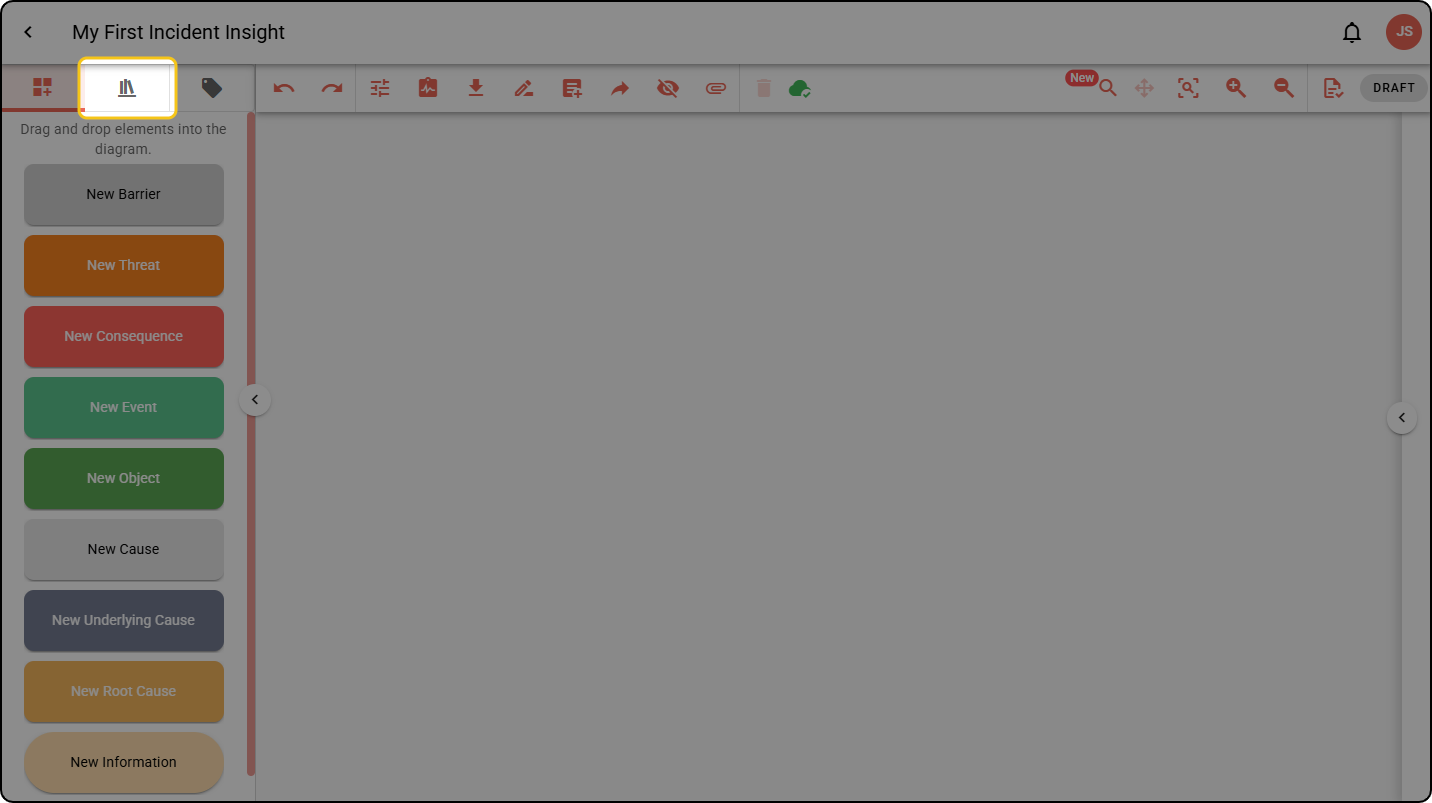
Step 2: Navigate to the Element Library tab in the sidebar.
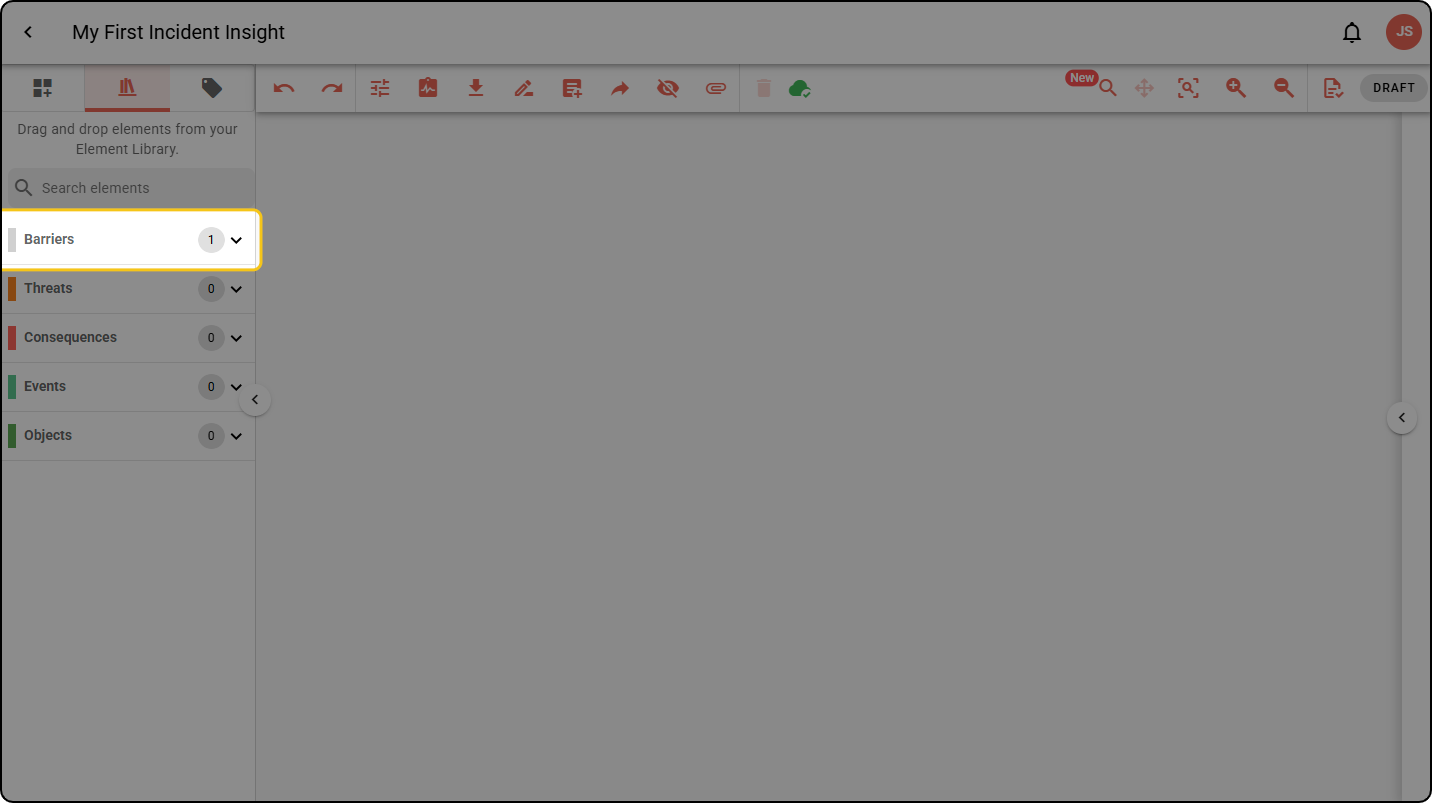
Step 3: Your library elements are grouped by their type. Expand the group you want.
Step 4: Click and drag the element onto the diagram.