Analyse Mode
In this tutorial, we’ll show you how to use Analyse Mode to colour-code your diagram elements based on their metadata, quickly spotting weak points in a large, complex diagram.
Before using Analyse Mode, make sure you’ve added metadata to your diagram elements.
Step 1: Open a diagram.
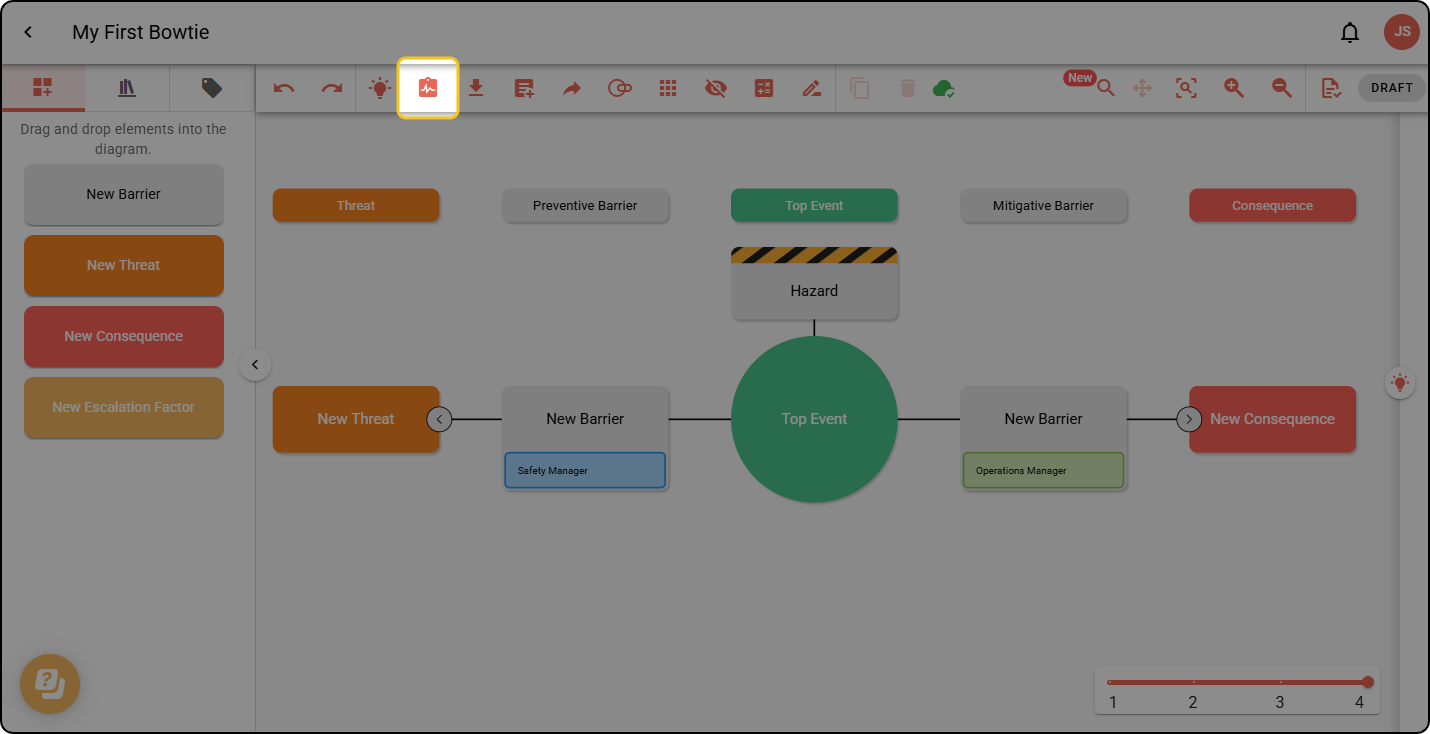
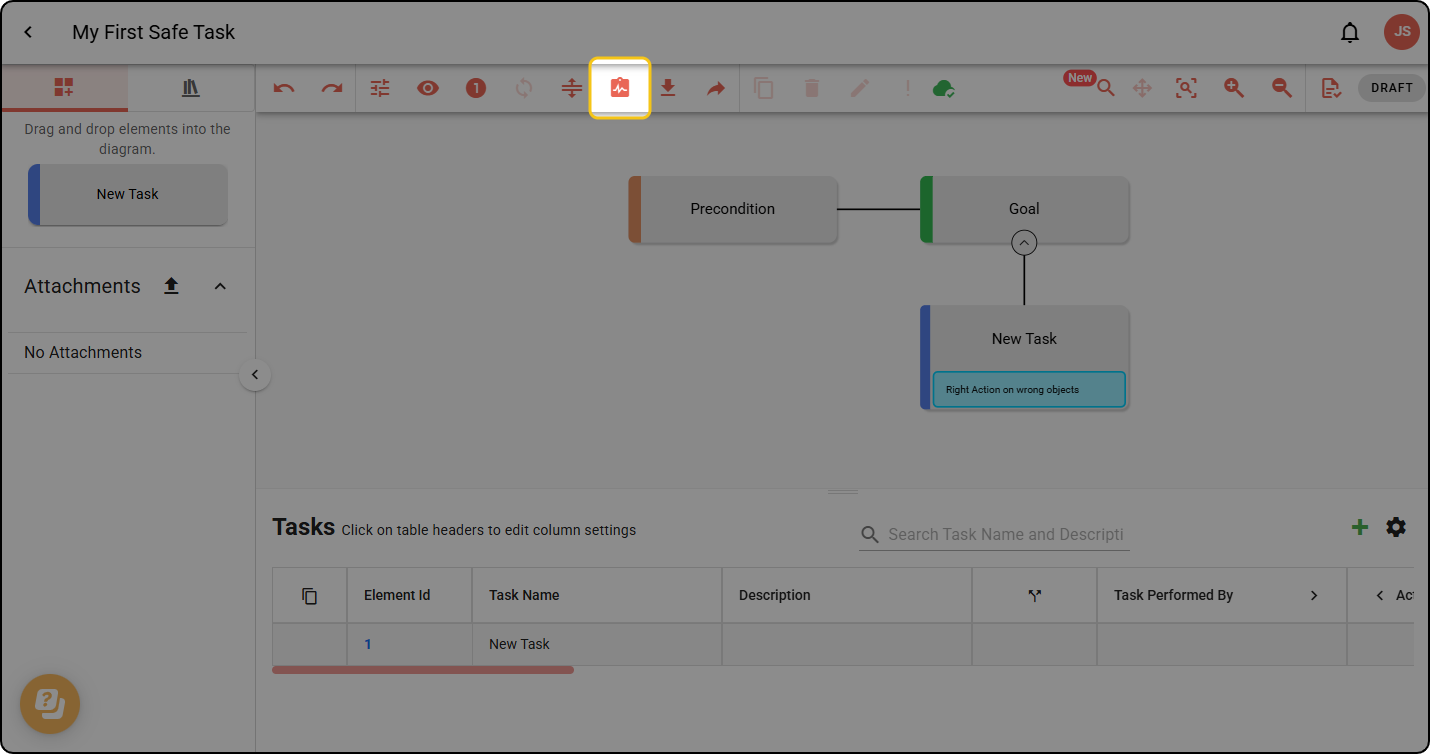
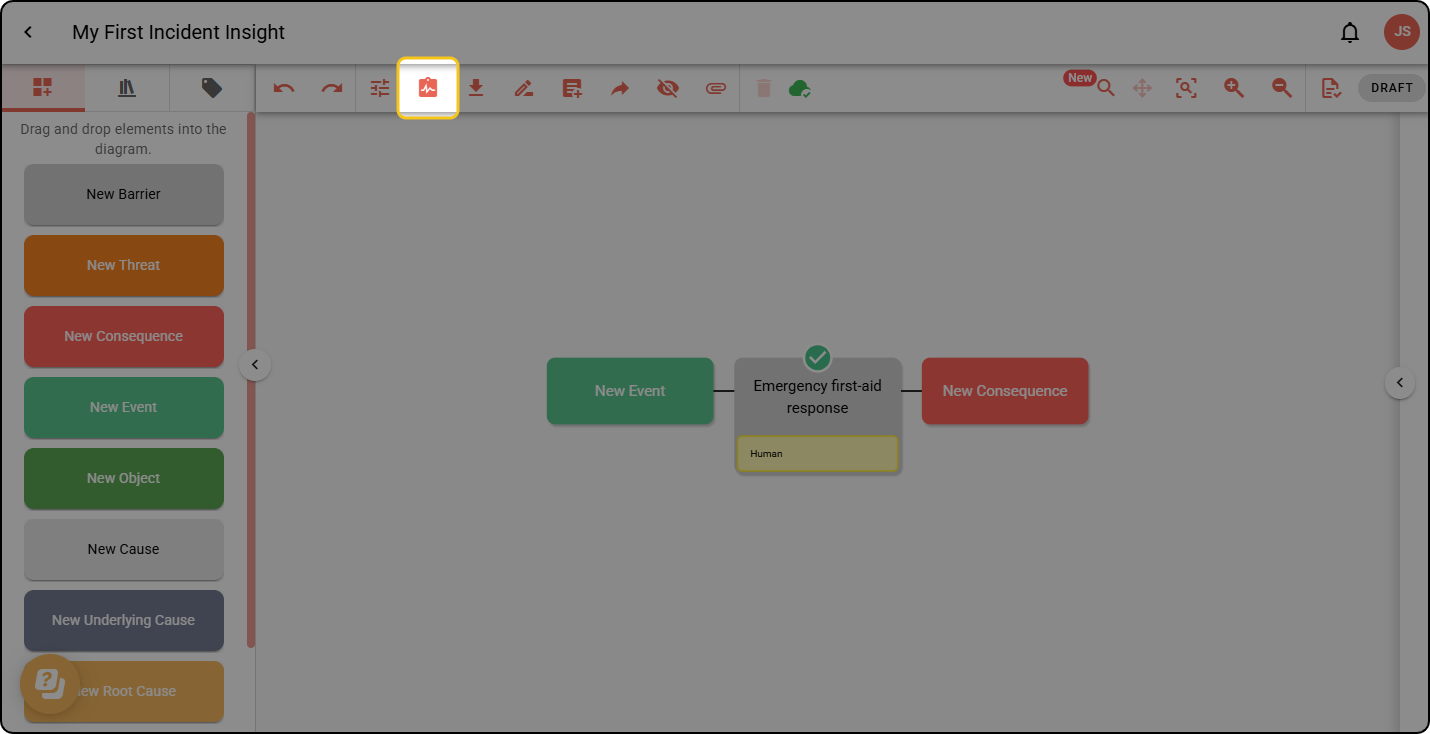
Step 2: Select the Analyse icon in the diagram toolbar:
Bowtie
Safe Task
Incident Insight
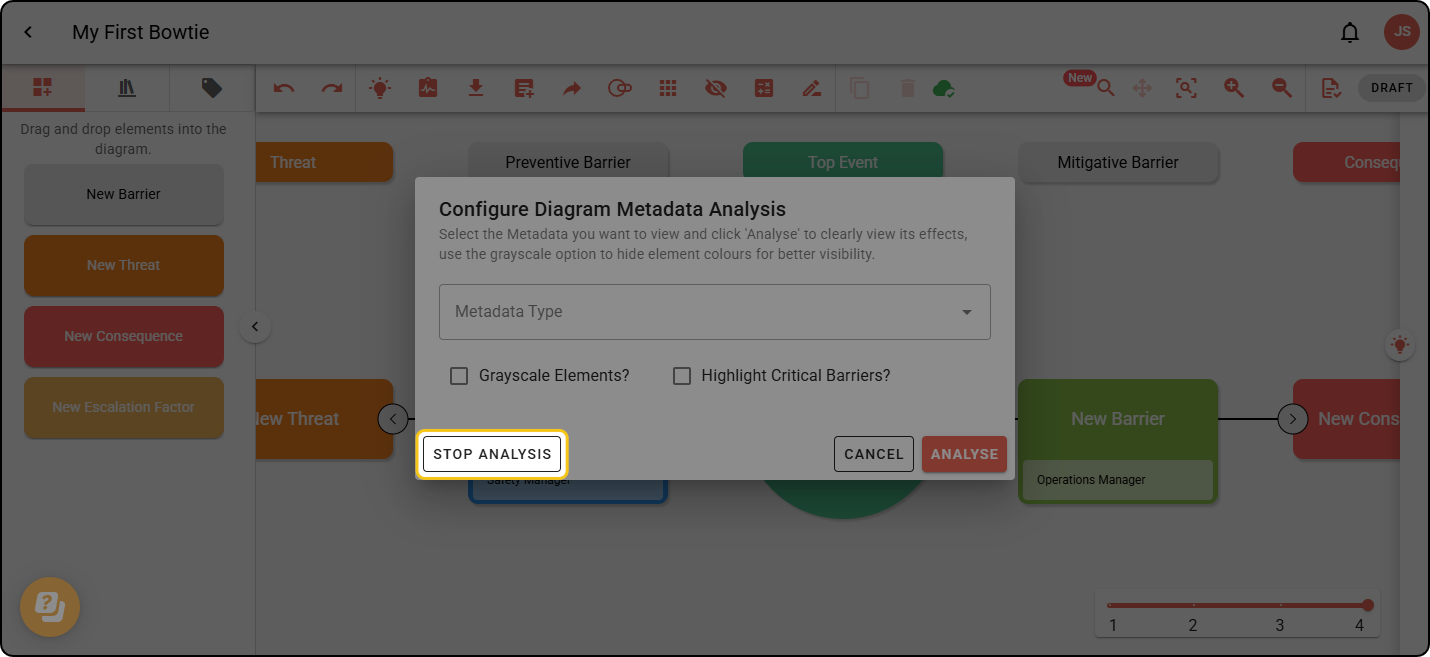
Step 3: Select the Metadata Type you want to analyse from the dropdown, and click ANALYSE.
‘Grayscale Elements?’ and ‘Highlight Critical Barriers?’ are only available in Bowtie diagrams.
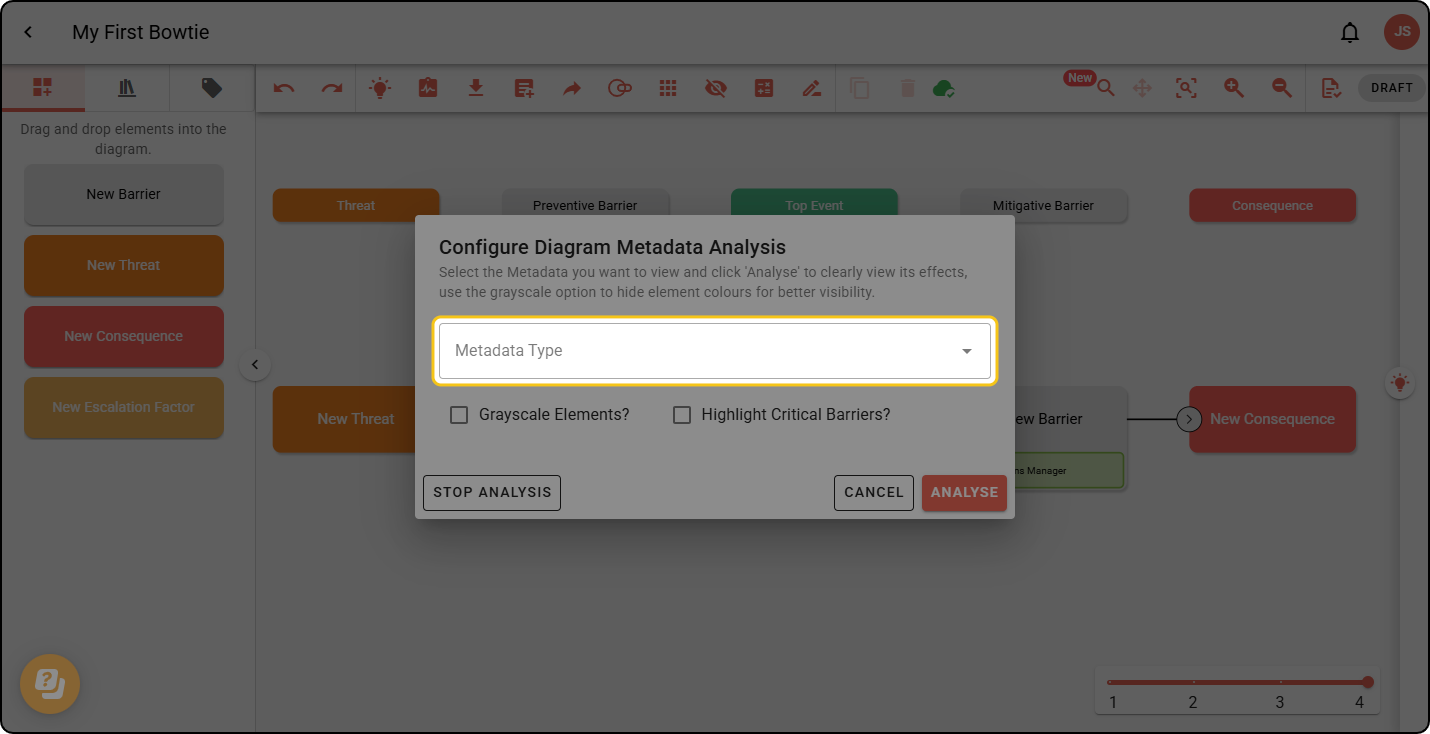
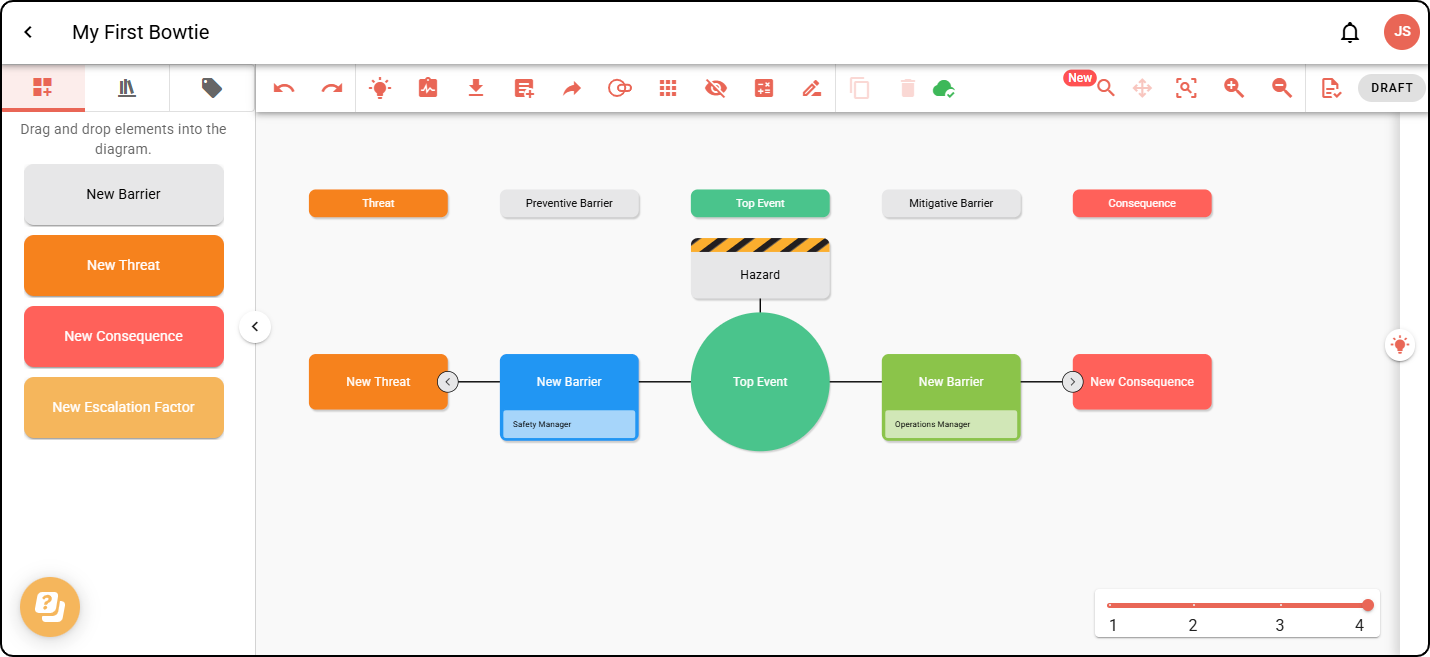
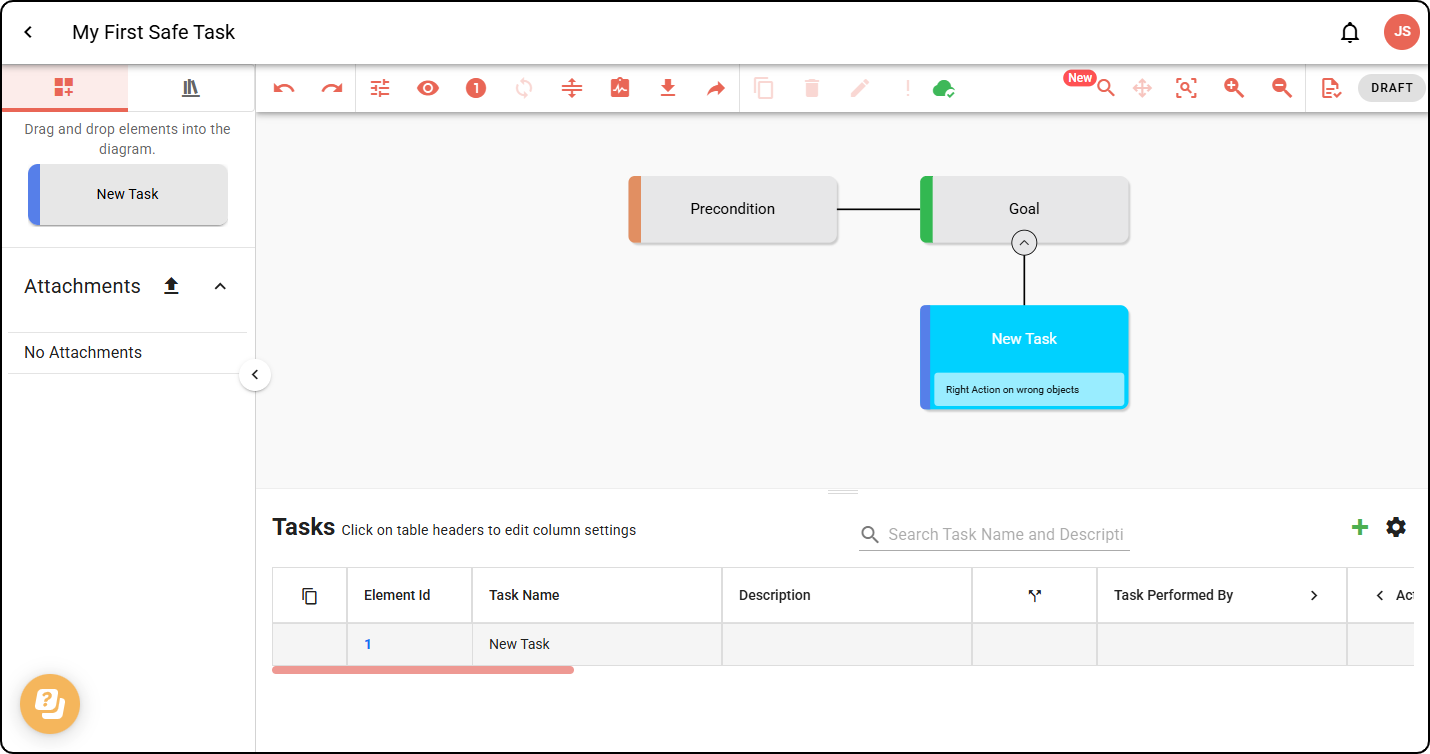
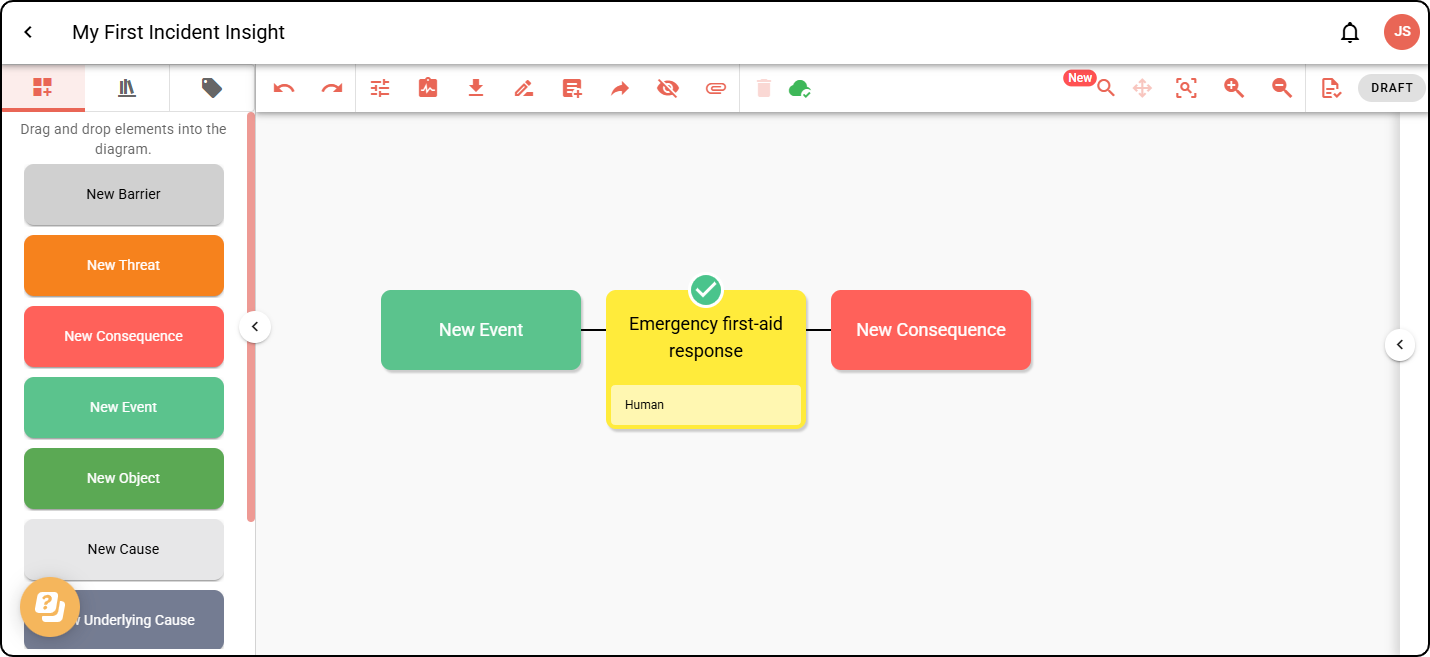
Step 4: Your diagram elements will be colour-coded based on the colour and option colours of the chosen metadata.
Bowtie
Safe Task
Incident Insight
Step 5: To turn off analysis mode, open the dialog and click STOP ANALYSIS.