Organisation library
The organisation-level Element Library is where diagram elements can be created and reused across all projects and diagrams.
Only Organisation Admins can use the organisation Element Library. Diagram Editors can use the project library.
In this tutorial, we’ll show you how to create elements in your organisation’s Element Library.
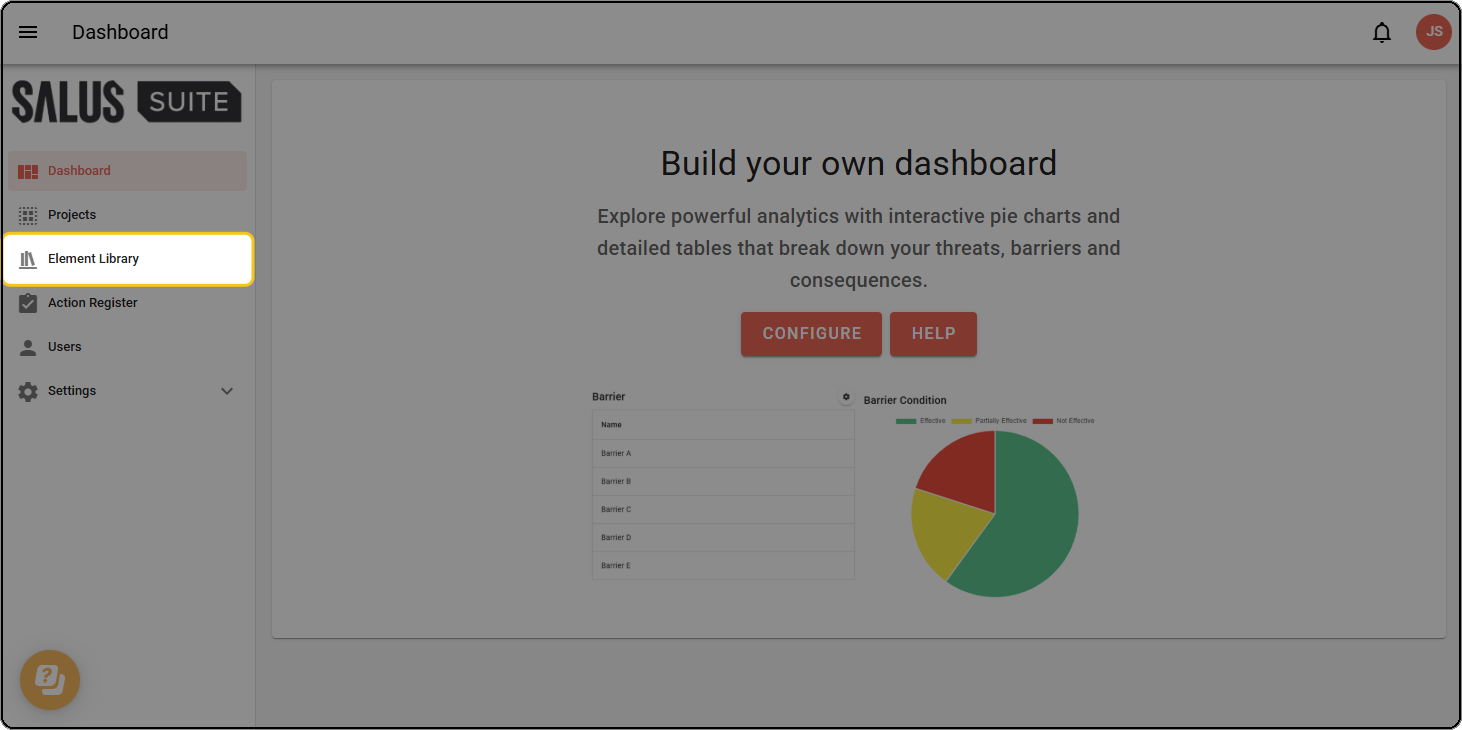
Step 1: Click Element Library in the sidebar.
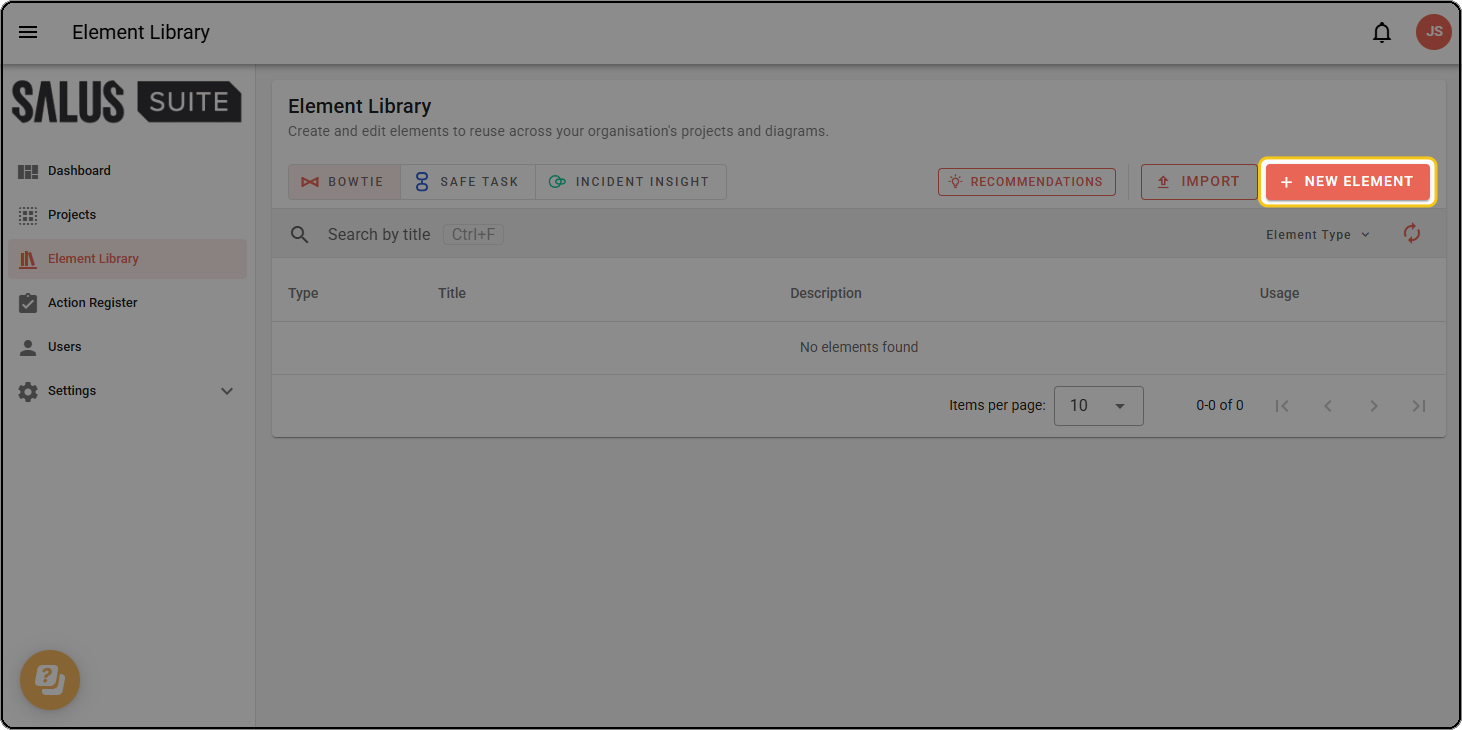
Step 2: Click + NEW ELEMENT.
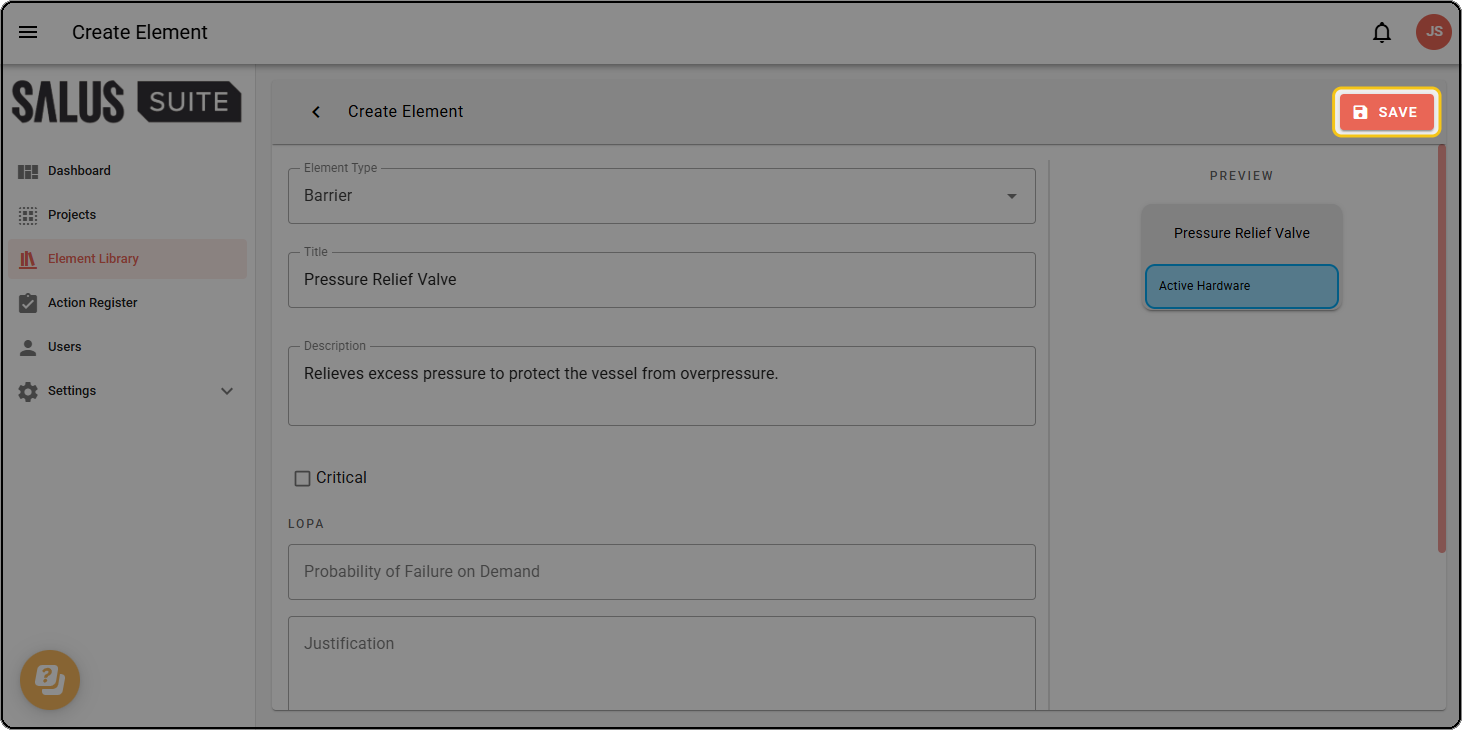
Step 3: Fill out the fields as needed, including any metadata.
Only organisation-level metadata can be applied to organisation-level elements.
Step 4: Click SAVE.